How to show the deal value field in the pipeline in Folk
Here is how to show the deal value field in the pipeline in folk
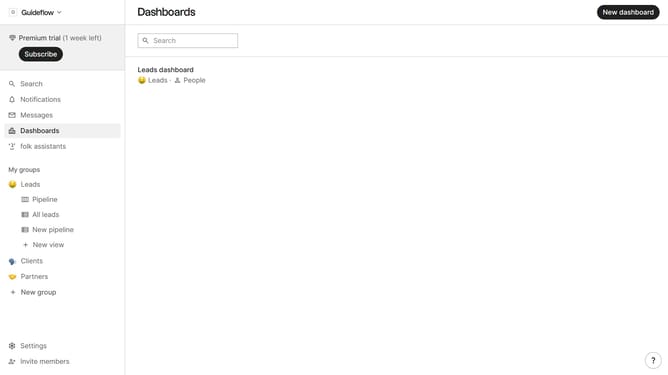
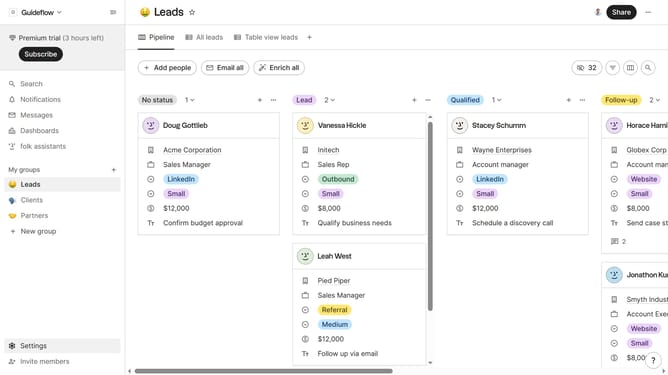
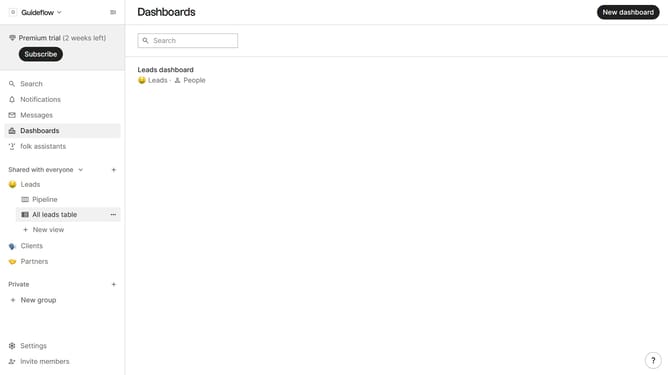
- First click on "Pipeline" item in the left sidebar menu under the group where you want to show the "Deal value" field
- Then click on the "View" button with in the top menu
- Next scroll down in the dropdown menu
- Finally click on the "View" icon next to "Deal value"
Why should you show the deal value field in the pipeline in Folk
Folk is a seamless platform designed to enhance team collaboration and streamline project management effortlessly.
Among its intuitive features is the ability to showcase the deal value field directly in the pipeline. This feature empowers teams to maintain a precise overview of potential outcomes at a glance. By displaying deal values, users can effortlessly prioritize tasks and make informed decisions that drive business success.
Incorporating this feature not only enhances transparency but also optimizes efficiency by ensuring that all team members are aligned and focused on high-value opportunities.
Last update