How to filter tasks by due date in Folk
Here is how to filter tasks by due date in folk
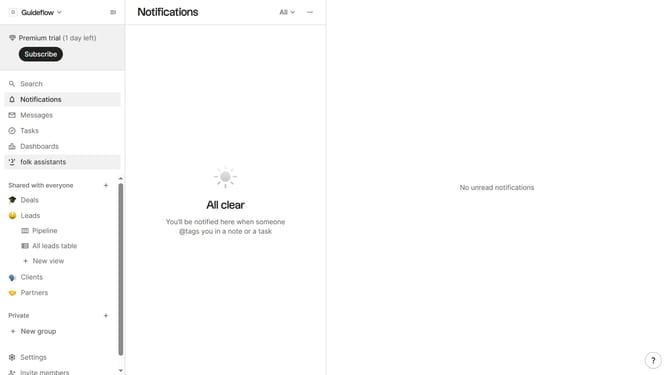
- First click on "Tasks" in the left sidebar
- Then click on the "Add filter" button
- Next, select "Due date" from the filter dropdown
- Finally, select your preferred due date from the calendar that appears
Why should you filter tasks by due date in Folk
Folk is a dynamic collaboration tool specifically designed to streamline your team’s project management efforts.
The ability to filter tasks by due date in Folk makes managing your workload more efficient and straightforward. By organizing tasks according to their deadlines, you gain a clearer perspective on what requires immediate attention.
This feature empowers teams to prioritize effectively, ensuring that critical tasks are completed on time and project timelines are adhered to meticulously. Ultimately, it enhances productivity and elevates team performance.
Last update