How to hide the first name field in a table view in Folk
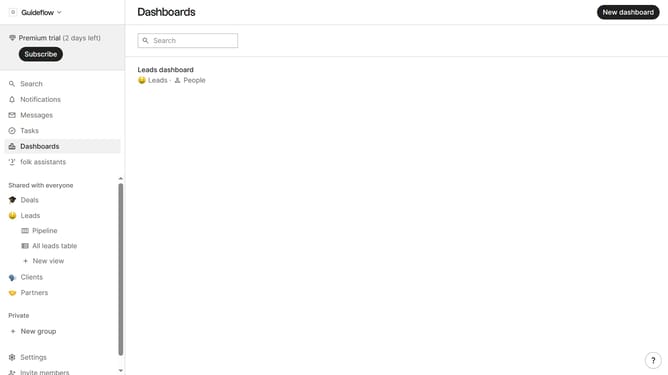
Here is how to hide the first name field in a table view in folk
- First, click on a table view where you want to hide the "First name field"
- Then click on the view icon in the top right of the page
- Finally click on the "Hide" icon next to "First name" in the dropdown menu
Why should you hide the first name field in a table view in Folk
Folk is a versatile platform designed for seamless team collaboration and contact management.
One of its standout features is the ability to customize your data view, such as hiding the first name field in a table view.
This feature significantly enhances clarity and focus by letting you remove unnecessary information, thereby streamlining the data displayed to suit your needs better.
By minimizing distractions, teams can operate more efficiently, focusing solely on the essential data that drives critical decisions.
Last update