How to create an enterprise company size ratio metric chart in Folk
Here is how to create an enterprise company size ratio metric chart in folk
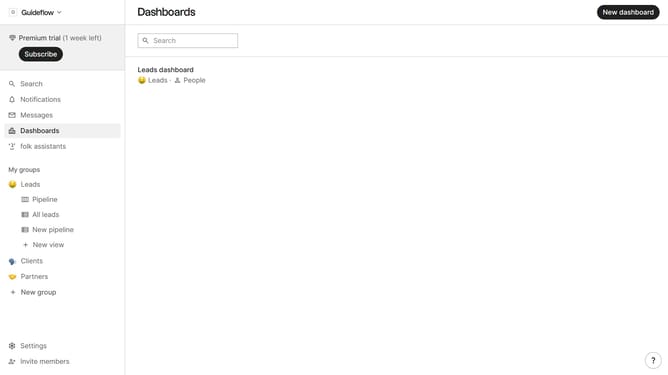
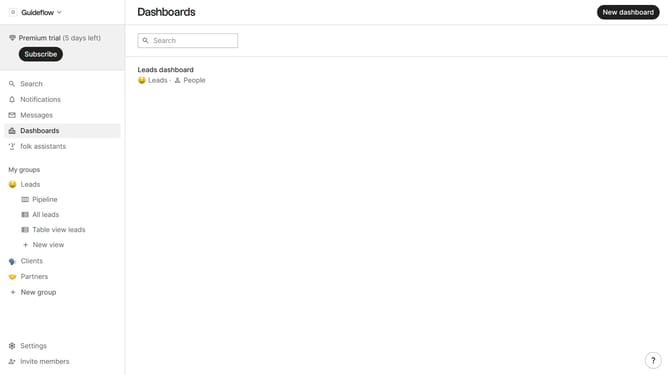
- First click on "Dashboards" item in the left sidebar
- Then click on the dashboard where you want to create an enterprise company size metric chart
- Next click on "Add chart" button
- Next click on the "Measure" dropdown option
- Then hover your mouse cursor over the "Ratio" option
- After that, hover your mouse cursor over the "Company size" option
- Next select "Enterprise" option
- Finally click on "Save" button
Why should you create an enterprise company size ratio metric chart in Folk
Folk is a streamlined platform designed to enhance information management and team collaboration.
Creating an enterprise company size ratio metric chart in Folk allows you to visually analyze and compare the scale of different enterprises within your network.
This feature empowers users to make data-driven decisions by quickly identifying size disparities and aligning resources efficiently. Leveraging this capability not only enhances strategic planning but also optimizes resource allocation for successful enterprise management.
Last update