How to show the added to group at field in a table view in Folk
Here is how to show the added to group at field in a table view in folk
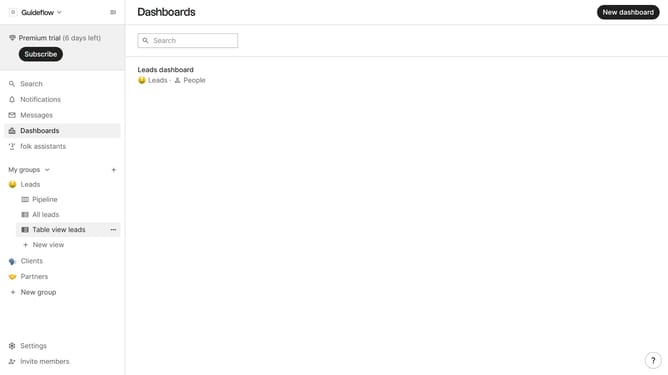
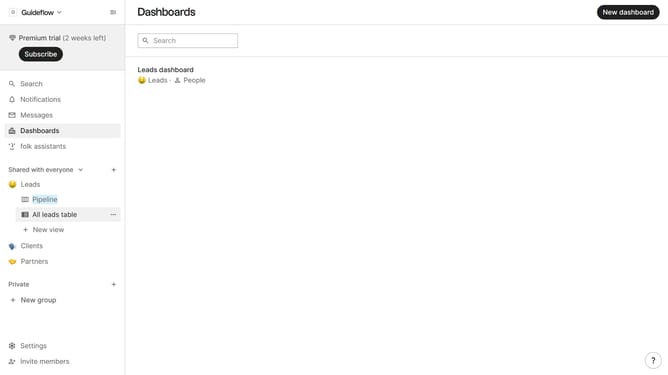
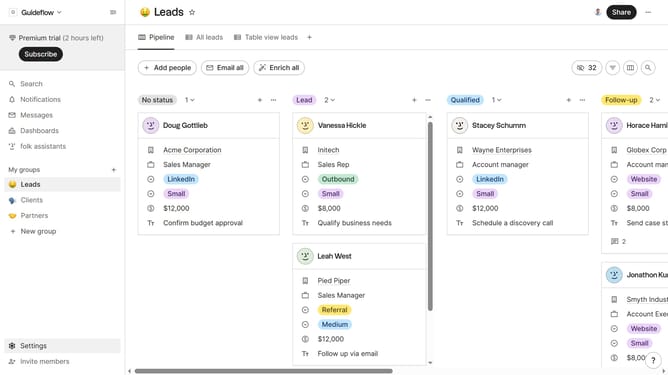
- First, click on a table view where you want to show the added to group at field
- Then click on the view icon in the top right of the page
- Next, scroll down in the dropdown menu
- Finally click on the "View" icon next to "Added to group at field" in the dropdown menu
Why should you show the added to group at field in a table view in Folk
Folk is a dynamic platform designed to seamlessly manage your relationships and interactions.
One of its standout features is the ability to show the 'added to group at' field in a table view. This functionality enhances transparency by providing precise information on when a contact was grouped.
Utilizing this feature ensures that team collaborations remain seamless and that each participant is informed about contact timelines, which aids in keeping strategic communications organized and effective.
Last update