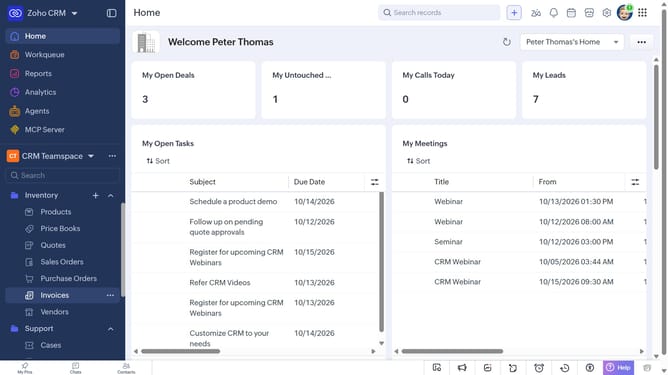
How to set your preferred motion setting on Zoho CRM
Here is how to set your preferred motion setting on zoho crm
- First click on the settings icon in the top menu
- Next click on "Personal Settings" under the "General" section
- Click on the "Accessibility" tab
- After that, click on the "Vision" tab
- Then, locate the "Motion Control" option
- Finally, select Minimum, Default, or System Settings based on your needs
Why should you How to set your preferred motion setting on Zoho CRM
Zoho CRM is a dynamic platform designed to streamline your customer relationship management processes.
Setting your preferred motion settings on Zoho CRM allows you to tailor animations and transitions, creating a more personalized and engaging user experience. By customizing these settings, you can enhance navigation fluidity and make your workflow more intuitive.
The ability to adjust motion preferences not only optimizes usability but also caters to your own specific comfort levels, reducing distractions and improving focus. This ensures that your interaction with the CRM remains seamless and efficient, ultimately boosting productivity.
Last update