How to enable strikethrough for disabled buttons on Zoho CRM
Here is how to enable strikethrough for disabled buttons on zoho crm
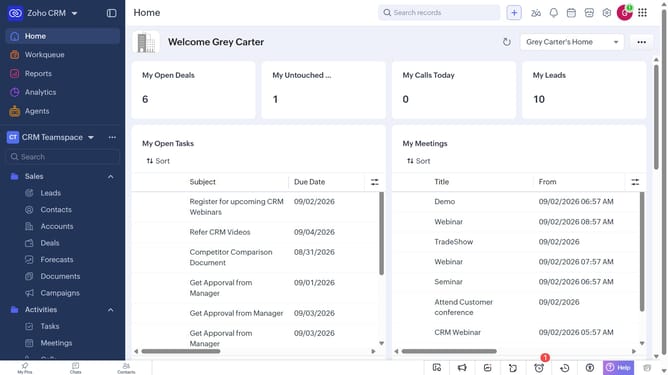
- First click on the settings icon in the top menu
- Next click on "Personal Settings" under the "General" section
- Click on the "Accessibility" tab
- After that, click on the "Vision" tab
- Then, locate the "Strikethrough Disabled Buttons" option
- Finally, turn on the toggle next to it
Why should you How to enable strikethrough for disabled buttons on Zoho CRM
Zoho is an intuitive suite designed to streamline business operations and enhance productivity.
In Zoho CRM, enabling strikethrough for disabled buttons adds visual clarity for users by clearly distinguishing actionable options from those temporarily unavailable.
This feature improves user experience by reducing confusion and guiding focus toward active elements, ensuring seamless navigation.
With strikethrough, your team can swiftly identify and prioritize tasks, enhancing overall workflow efficiency and decision-making within the CRM environment.
Last update