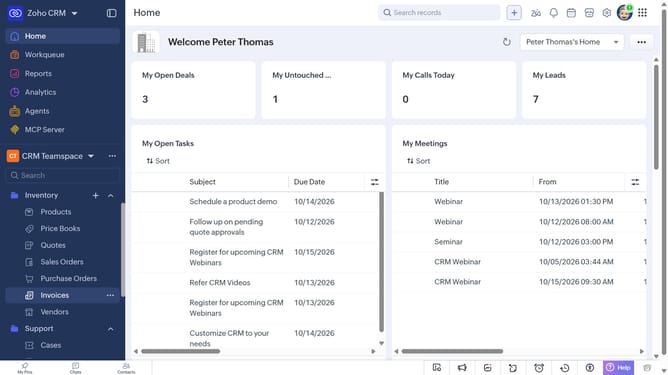
How to change the theme color to Spicy Orange on Zoho CRM
Here is how to change the theme color to spicy orange on zoho crm
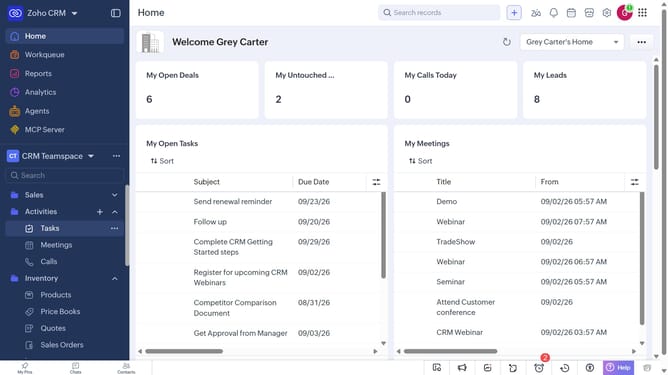
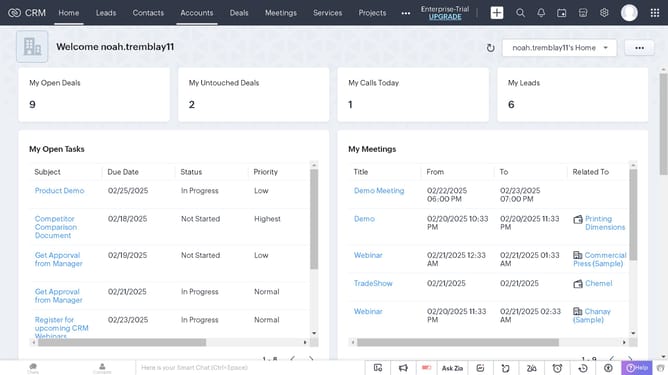
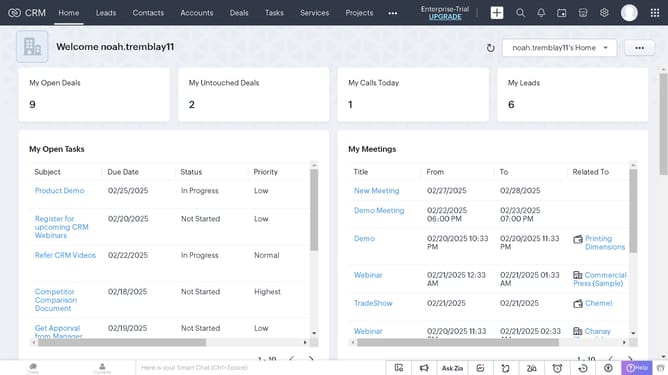
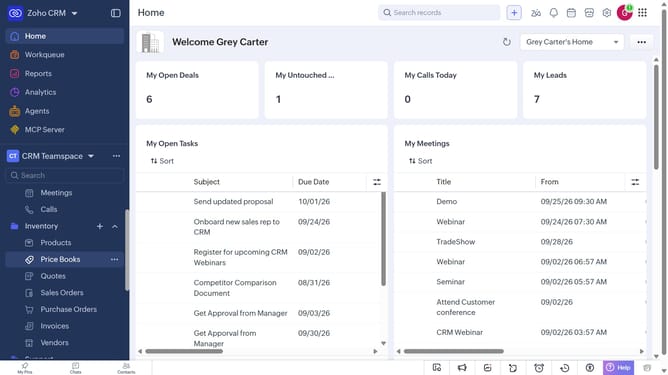
- First click on your avatar profile in the top right corner
- Next locate the "Themes" section
- Then, select your preferred theme option (Dark or Lite)
- Finally, select "Spicy Orange" from the theme color options
Why should you How to change the theme color to Spicy Orange on Zoho CRM
Zoho CRM is a dynamic tool designed to streamline your customer relationship management with efficiency and ease.
One exciting feature of Zoho CRM is its ability to customize the interface theme to match your mood or brand. The "Spicy Orange" theme option breathes vibrancy and energy into your workspace, enhancing visual appeal and creating an invigorating environment. This vibrant hue can inspire creativity and positivity as you manage customer interactions.
Using the "Spicy Orange" theme not only adds a splash of color but also reflects a modern and dynamic aesthetic. By customizing your CRM interface, you create a personalized experience that can boost user engagement and productivity.
Last update