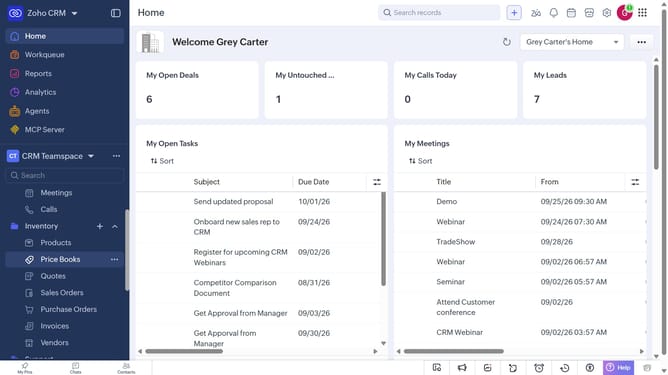
How to clone an invoice on Zoho CRM
Here is how to clone an invoice on zoho crm
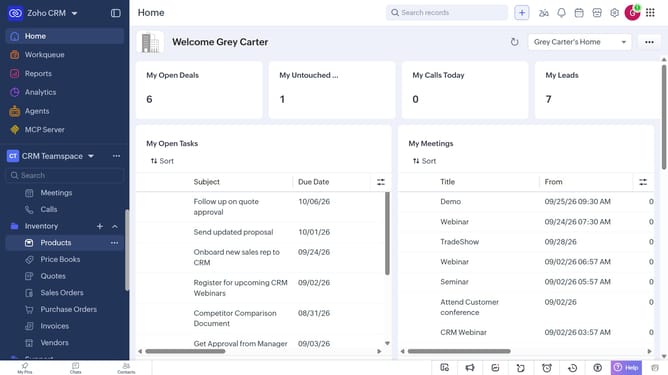
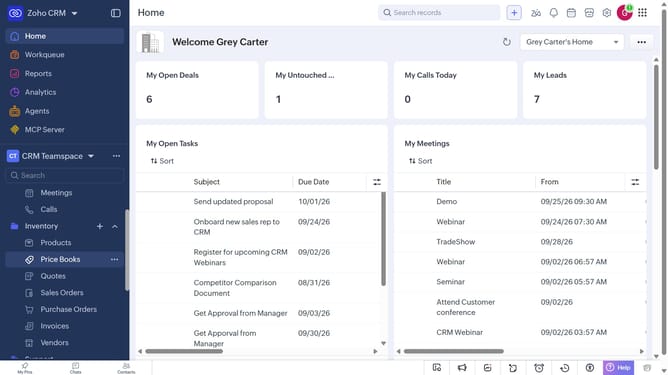
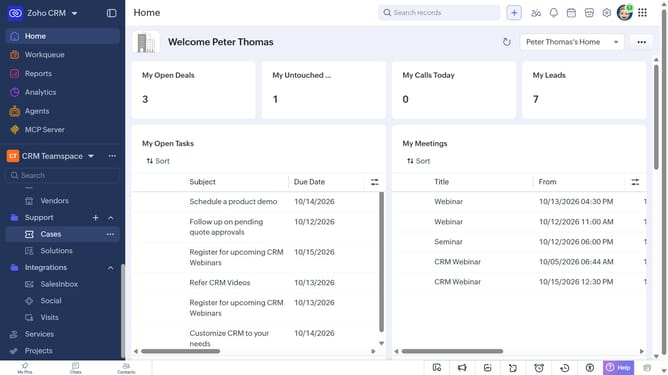
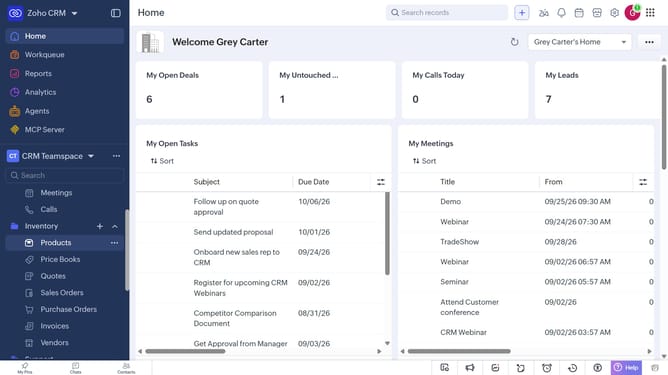
- First, click on "Invoices" under "Inventory" in the left sidebar menu
- Next, click on the invoice you want to clone
- After that, click on the "More Options" button
- Select "Clone" from the dropdown menu
- Then, make changes to the cloned invoice details
- Finally, click on the "Save" button
Why should you How to clone an invoice on Zoho CRM
Zoho is a dynamic suite of online productivity tools designed to streamline business operations effectively.
One standout feature is the ability to clone an invoice within Zoho CRM. This feature simplifies the process of managing recurring billing by allowing users to duplicate invoices effortlessly.
By cloning an invoice, businesses can save time, reduce manual entry errors, and ensure consistency across billing documents. It's especially beneficial for companies that deal with repeat orders or need to maintain uniformity in invoicing. Enjoy seamless operations and enhanced productivity with Zoho’s invoice cloning.
Last update