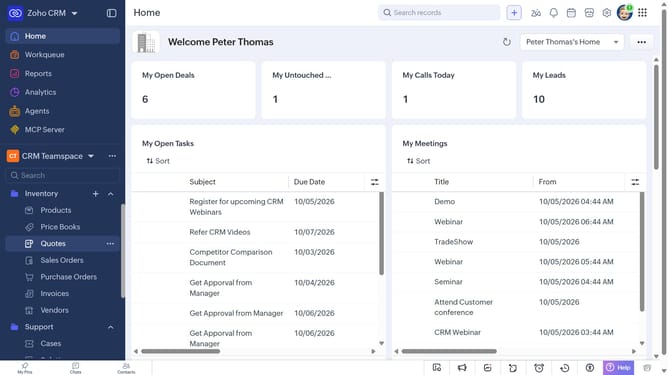
How to set your preferred font on Zoho CRM
Here is how to set your preferred font on zoho crm
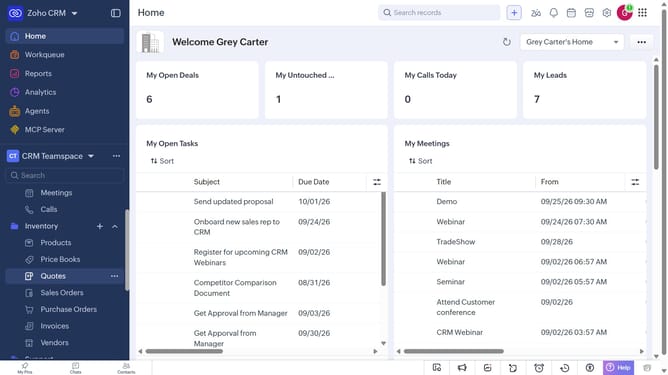
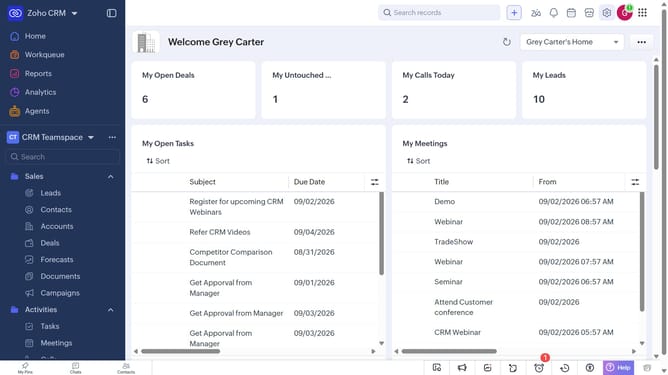
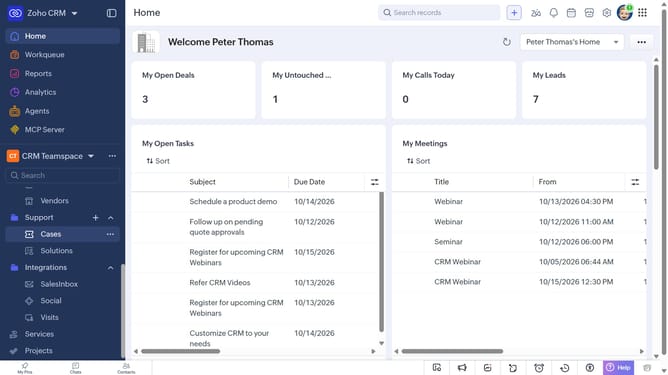
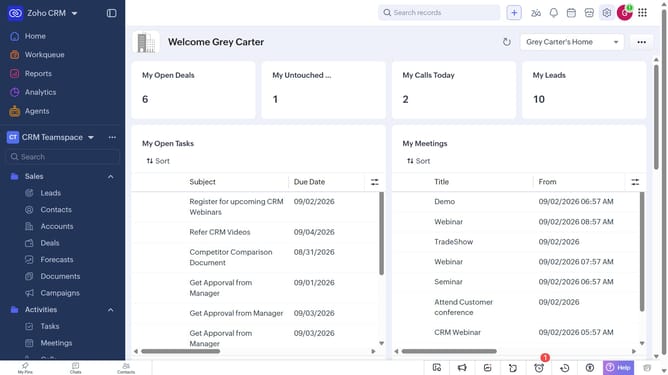
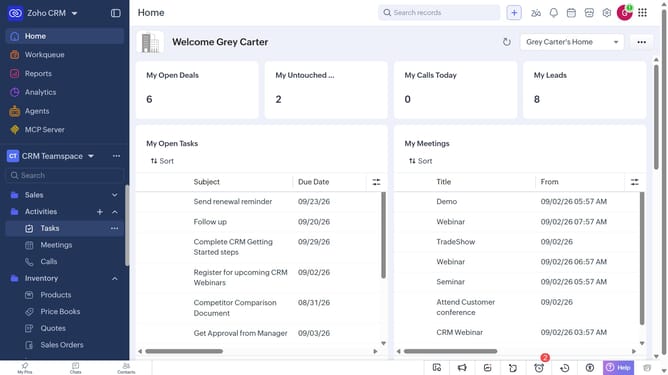
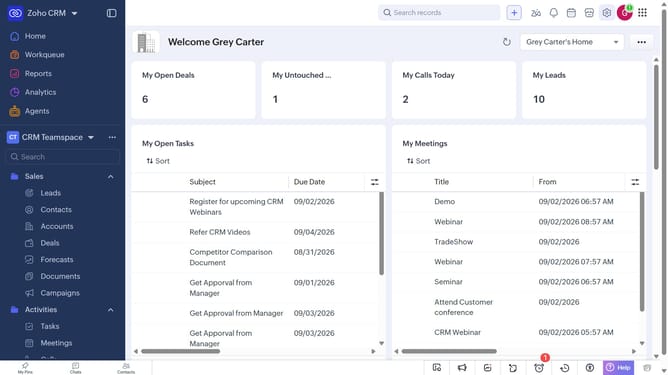
- First click on the settings icon in the top menu
- Next click on "Personal Settings" under the "General" section
- Click on the "Accessibility" tab
- After that, click on the "Vision" tab
- Then, locate the "Font" option
- Finally, select the font you want to use
Why should you How to set your preferred font on Zoho CRM
Zoho is a comprehensive suite designed to streamline your business operations effortlessly.
Customizing the font in Zoho CRM is a simple yet effective way to enhance your user experience. It allows you to tailor the appearance of your interface, making it more pleasant and accessible to the eye.
This feature is particularly beneficial in maintaining brand consistency and ensuring readability, which can significantly improve productivity and communication within your team.
With a personalized font setting, navigating through data becomes seamless, offering a touch of personalization that resonates with your unique brand style.
Last update