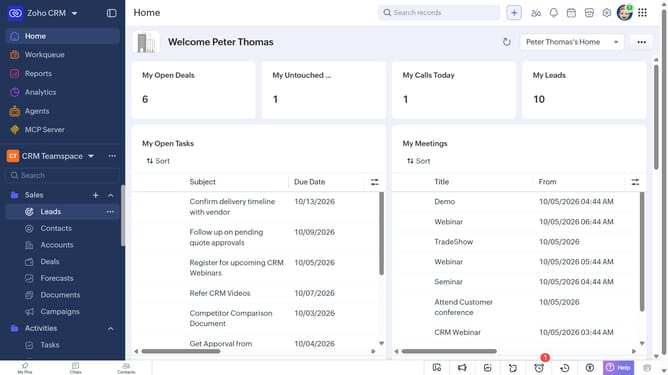
How to enable Reading Focus on Zoho CRM
Here is how to enable reading focus on zoho crm
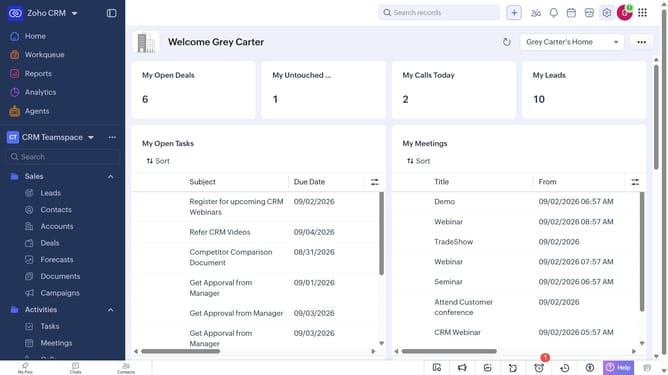
- First click on the settings icon in the top menu
- Next click on "Personal Settings" under the "General" section
- Click on the "Accessibility" tab
- After that, click on the "Interaction" tab
- Then, locate the "Reading focus" option
- Click the toggle switch to enable this option
- Next, click on the Reading Focus mode dropdown
- Then, select your preferred focus mode from the dropdown
- Finally, adjust the "Mask Opacity" to your preferred level
Why should you How to enable Reading Focus on Zoho CRM
Zoho CRM is a versatile customer relationship management tool designed to streamline business interactions and relationships.
Enabling Reading Focus on Zoho CRM enhances user experience by simplifying the interface to allow for a distraction-free reading environment. This feature is ideal for users who want to concentrate on specific data without clutter.
With Reading Focus, you can improve productivity by reducing information overload, making it easier to digest critical details efficiently. This ensures a more focused approach to managing customer relationships and information.
Last update