How to set time for a daily running schedule for Microsoft 365 Email (Outlook) scenario in Make
Here is how to set time for a daily running schedule for microsoft 365 email (outlook) scenario in make
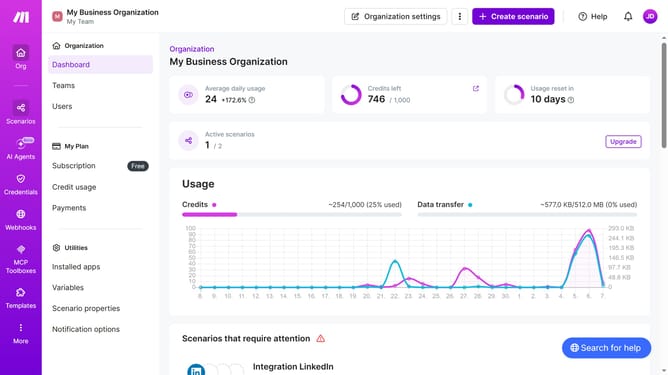
- First click on "Scenarios" in the left sidebar
- Then click on the Microsoft 365 Email (Outlook)" scenario
- Then click on the "Options" button
- Then click on the "Scheduling" option
- Then click on the time input field and enter your preferred time
- Finally click on the "Save" button
Why should you set time for a daily running schedule for Microsoft 365 Email (Outlook) scenario in Make
Make seamlessly connects your apps and automates workflows to streamline your daily tasks. Setting a time for a daily running schedule in Microsoft 365 Email with Make enhances your productivity by ensuring timely email management without manual intervention.
This feature allows you to automate tasks, improving efficiency by reducing repetitive actions. With Make, scheduling emails becomes a breeze, fitting perfectly into your existing workflow.
By automating your schedule, you free up valuable time to focus on more strategic activities, ensuring your day flows smoothly and efficiently.
Last update