How to set time for a monthly running schedule for Gmail scenario in Make
Here is how to set time for a monthly running schedule for gmail scenario in make
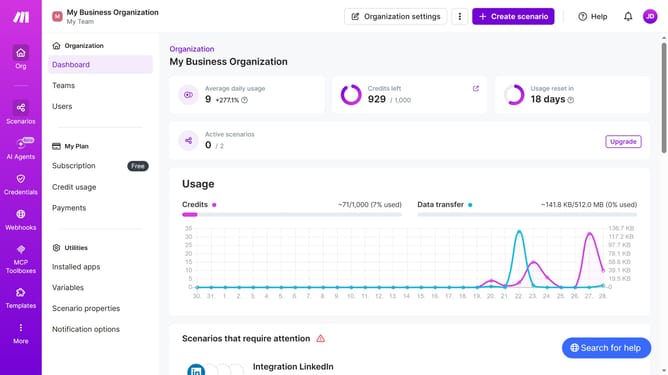
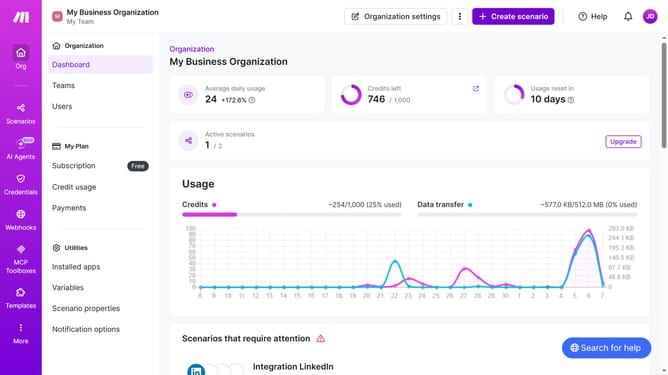
- First, click on "Scenarios" in the left sidebar
- Next, click on the Gmail scenario in the main content area
- Then, click on the "Options" button
- After that, select "Scheduling" from the dropdown menu
- Now, click on the time input field and change time
- Finally, click on the "Save" button
Why should you set time for a monthly running schedule for Gmail scenario in Make
Make is a dynamic tool designed to automate workflows seamlessly across various apps.
Setting a time for a monthly running schedule in Make for your Gmail scenario saves you from manual email management and ensures timely communication without lifting a finger.
This feature allows you to effortlessly sync tasks around your schedule, enhancing both your productivity and efficiency.
With monthly automation in place, you can focus more on strategy and less on repetitive tasks, making your workflow smarter and more organized.
Last update