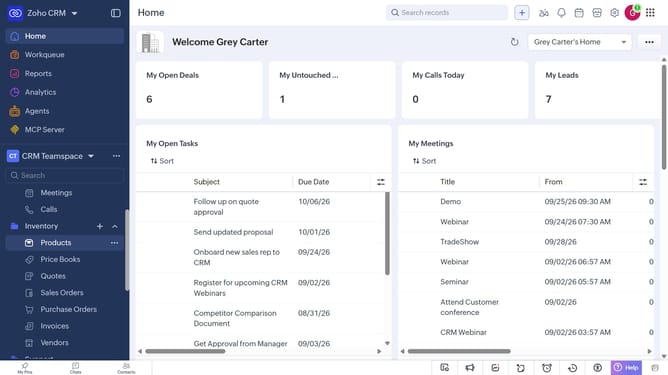
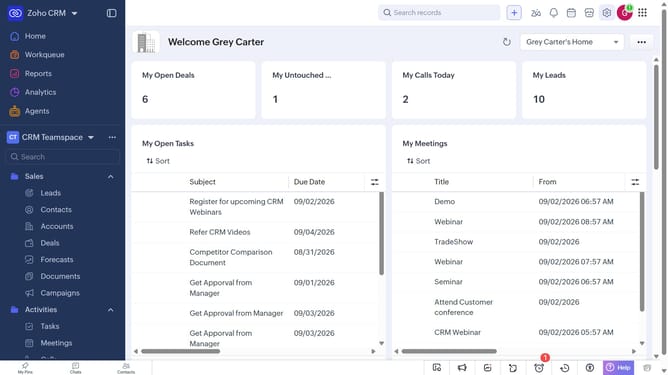
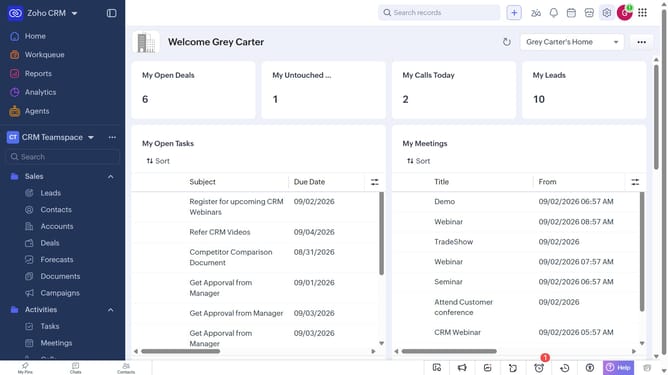
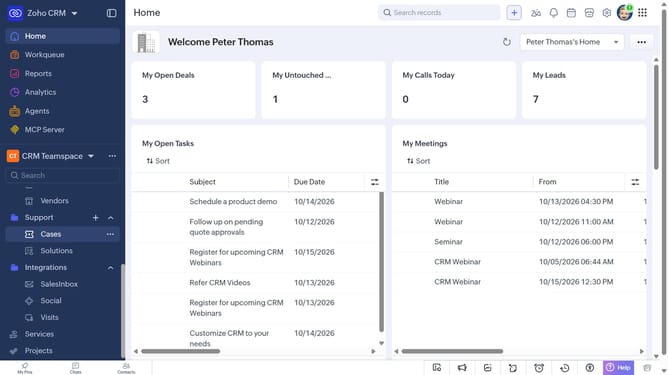
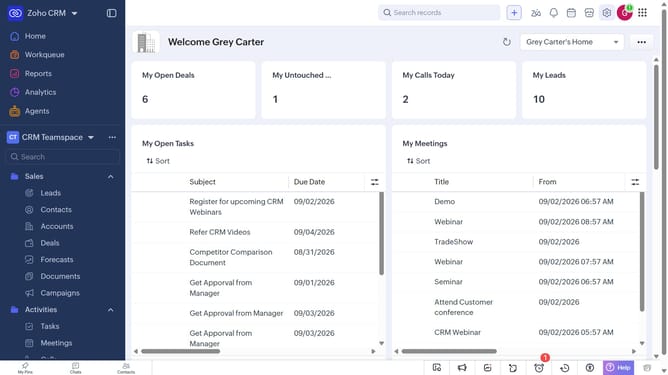
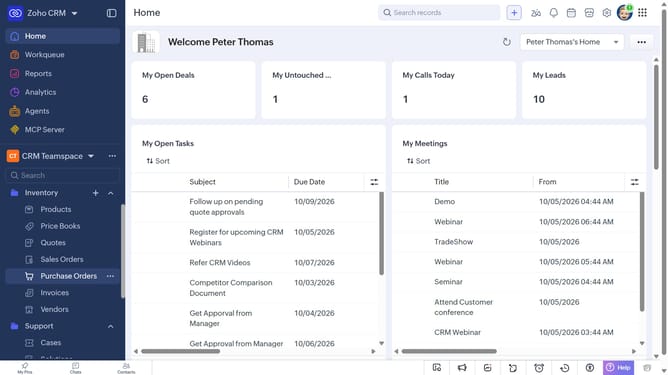
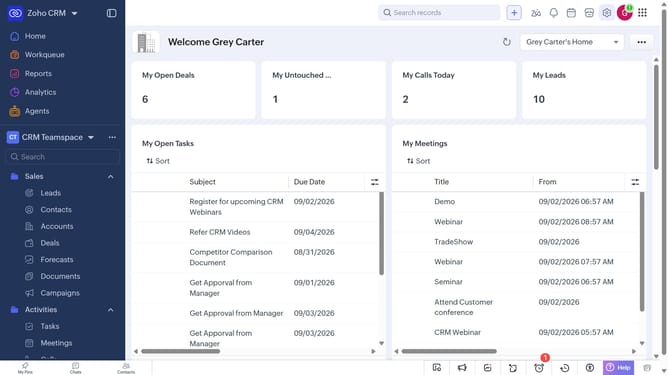
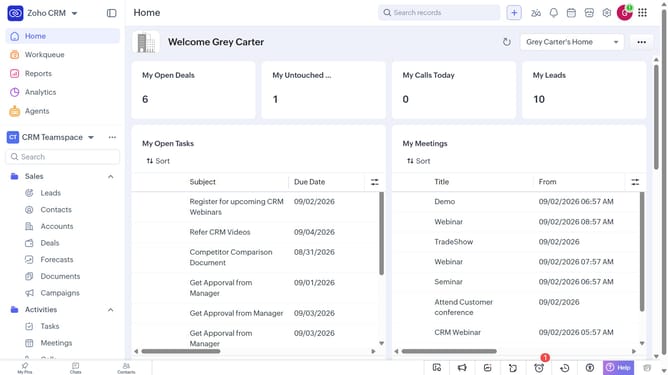
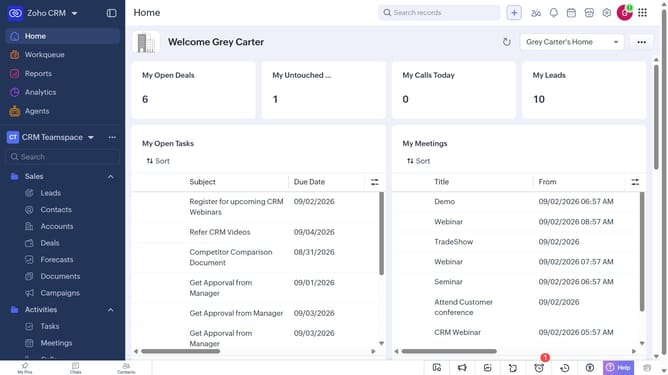
How to set the font size to Small on Zoho CRM
Here is how to set the font size to small on zoho crm
- First click on the settings icon in the top menu
- Next click on "Personal Settings" under the "General" section
- Click on the "Accessibility" tab
- After that, click on the "Vision" tab
- Then, locate the "Font Size" option
- Finally, click on "Small" on the font size slider
Why should you How to set the font size to Small on Zoho CRM
Zoho is a comprehensive suite designed to streamline business operations and enhance efficiency.
One of its features allows you to set the font size to Small on Zoho CRM, ensuring that your workspace is uncluttered and tidy. This can enhance your workflow by making large amounts of data more manageable and less visually overwhelming, which is vital for users who spend extensive hours navigating their CRM.
Choosing a smaller font size can aid in focusing on key data points, allowing for quicker decision-making and increasing overall productivity without compromising clarity.
Last update