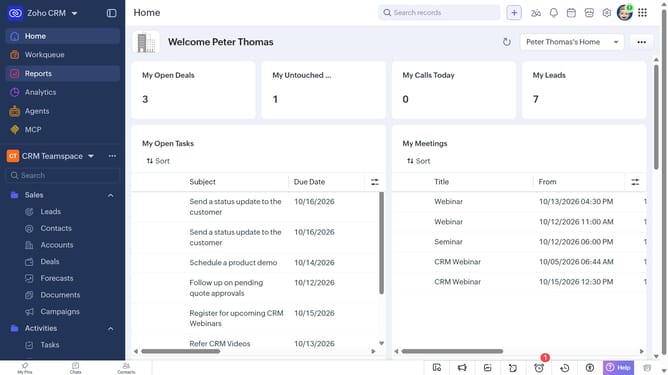
How to disable Form Display Mode on Zoho CRM
Here is how to disable form display mode on zoho crm
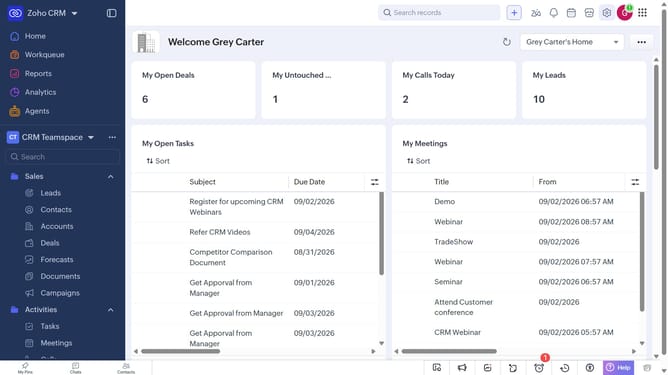
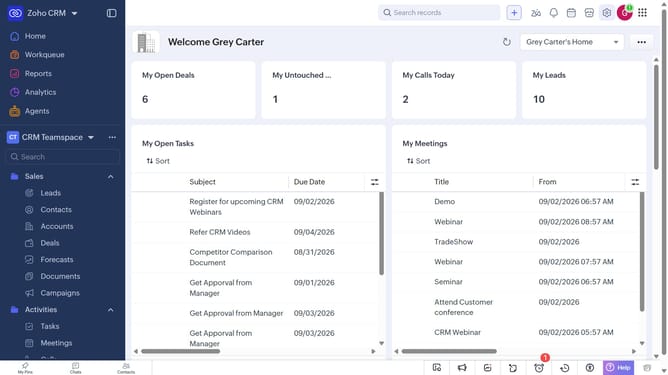
- First click on the settings icon in the top menu
- Next click on "Personal Settings" under the "General" section
- Click on the "Accessibility" tab
- After that, click on the "Vision" tab
- Then, locate the "From Display Mode: Show mandatory fields only or all fields" option
- Finally, turn off the toggle next to it
Why should you How to disable Form Display Mode on Zoho CRM
Zoho is a versatile platform designed to streamline business operations through its intuitive CRM solutions.
Disabling the Form Display Mode on Zoho CRM can enhance user interaction by offering a more streamlined data entry process. This feature allows for a clutter-free interface, simplifying the way information is accessed and managed.
By disabling this mode, teams can focus on key data without the distraction of additional fields or elements, promoting efficiency and clarity in customer relationship management. This adjustment can lead to more efficient workflows and an improved experience for both the CRM users and their clients.
Last update