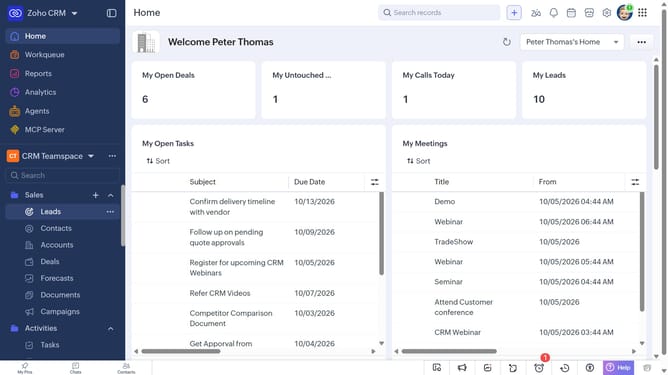
How to change the font to Zoho Puvi on Zoho CRM
Here is how to change the font to zoho puvi on zoho crm
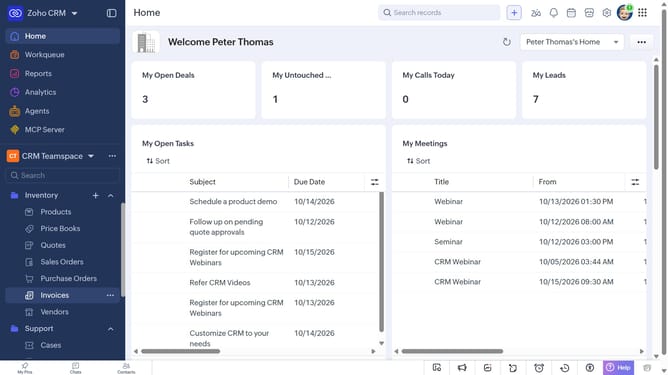
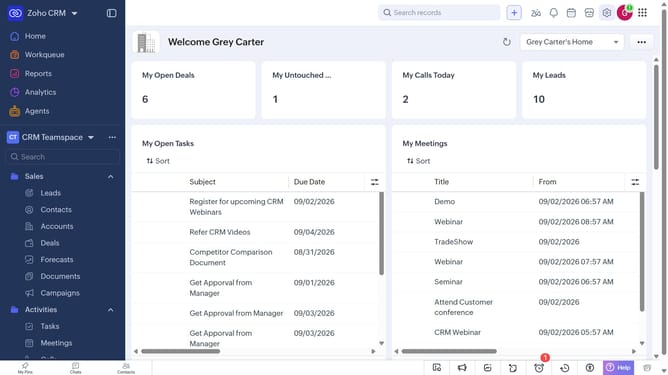
- First click on the settings icon in the top menu
- Next click on "Personal Settings" under the "General" section
- Click on the "Accessibility" tab
- After that, click on the "Vision" tab
- Then, locate the "Font" option
- Finally, select "Zoho Puvi" from the font options
Why should you How to change the font to Zoho Puvi on Zoho CRM
Zoho, an all-encompassing suite, empowers businesses with robust CRM capabilities.
Switching your font to Zoho Puvi on Zoho CRM enhances the visual experience with clarity and modernity, making data more readable and presentations fresher.
This customization not only aligns branding but also boosts user engagement, ensuring team members interact with a sleek, professional interface daily.
Ultimately, using Zoho Puvi enriches communication and productivity by creating an appealing and consistent workspace.
Last update