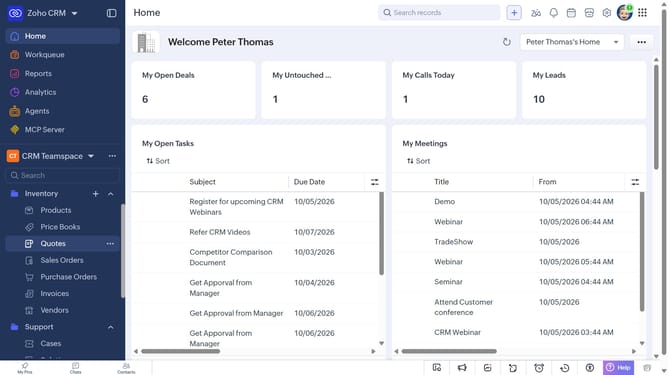
How to set motion control to System Settings on Zoho CRM
Here is how to set motion control to system settings on zoho crm
- First click on the settings icon in the top menu
- Next click on "Personal Settings" under the "General" section
- Click on the "Accessibility" tab
- After that, click on the "Vision" tab
- Then, locate the "Motion Control" option
- Finally, select the "System Settings" option
Why should you How to set motion control to System Settings on Zoho CRM
Zoho CRM is a powerful tool designed to streamline business processes and enhance customer relationships.
Integrating motion control into System Settings on Zoho CRM revolutionizes how you interact with your data. By enabling this feature, users can enjoy a more dynamic and responsive experience, allowing them to engage with their CRM environment intuitively and efficiently.
This feature enhances productivity by minimizing manual navigation, providing an adaptive interface that meets the evolving needs of your business. Experience smoother workflows and elevate your CRM interactions to new heights.
Last update