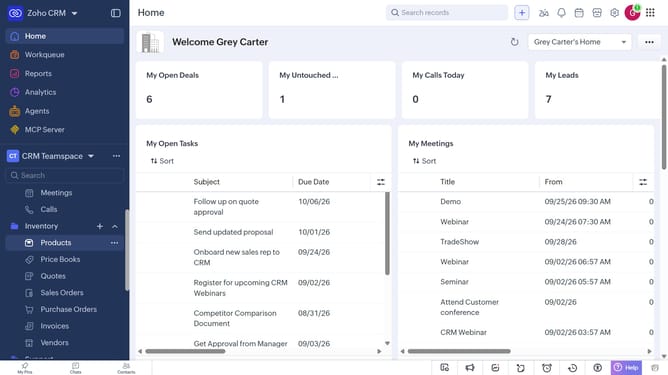
How to set the font size to Largest on Zoho CRM
Here is how to set the font size to largest on zoho crm
- First click on the settings icon in the top menu
- Next click on "Personal Settings" under the "General" section
- Click on the "Accessibility" tab
- After that, click on the "Vision" tab
- Then, locate the "Font Size" option
- Finally, click on "Largest" on the font size slider
Why should you How to set the font size to Largest on Zoho CRM
Zoho CRM is a dynamic platform designed to streamline business processes and enhance customer relationships.
Among its many features, the ability to adjust font size to 'Largest' significantly boosts readability and user comfort.
This adjustment not only caters to those with visual impairments, but it also enhances focus by reducing eye strain during long sessions of client interactions and data management.
Ultimately, customizing font size on Zoho CRM ensures a more personalized and efficient user experience.
Last update