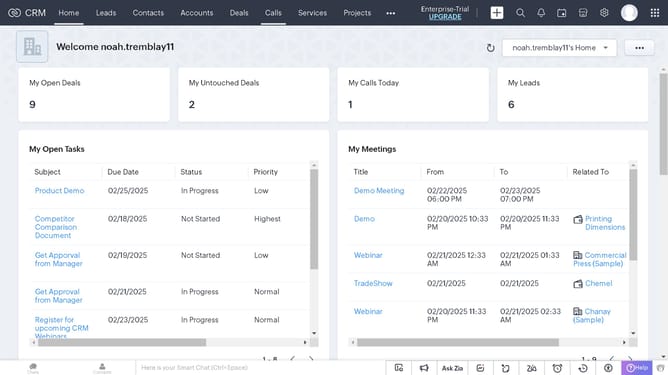
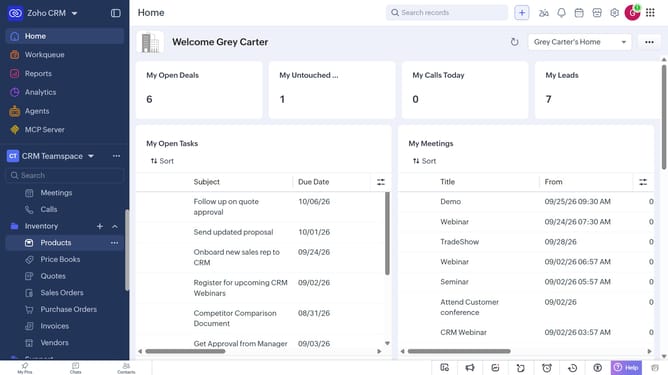
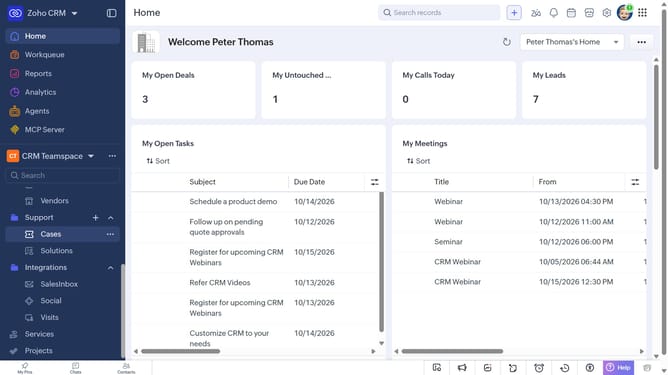
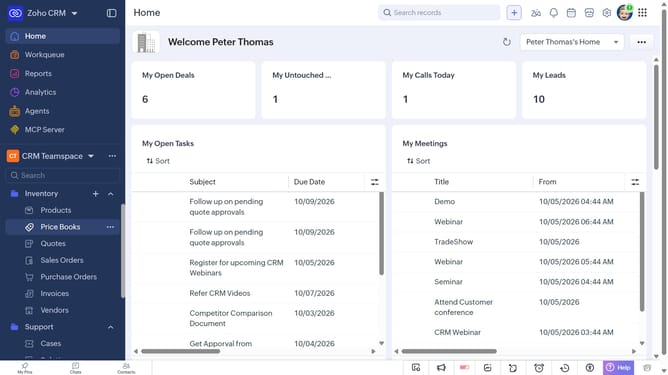
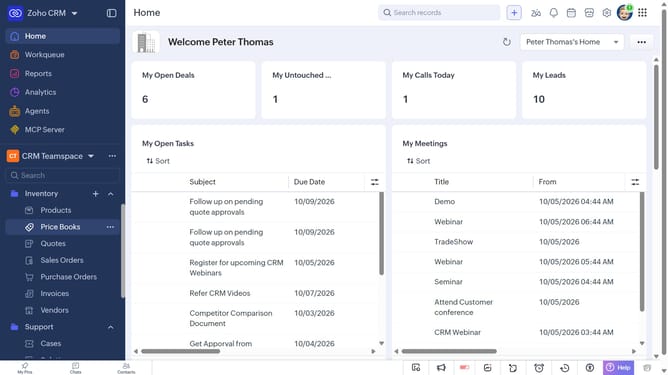
How to change the theme color to Grape on Zoho CRM
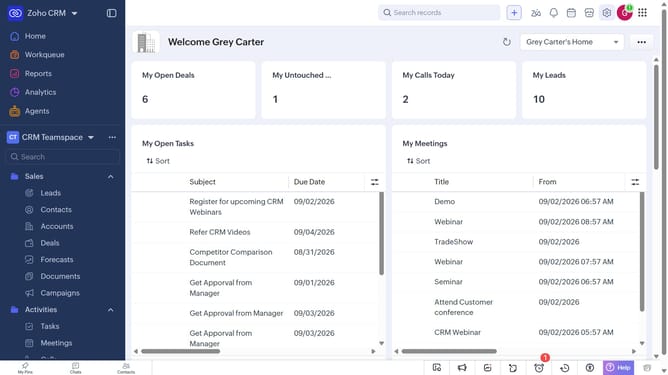
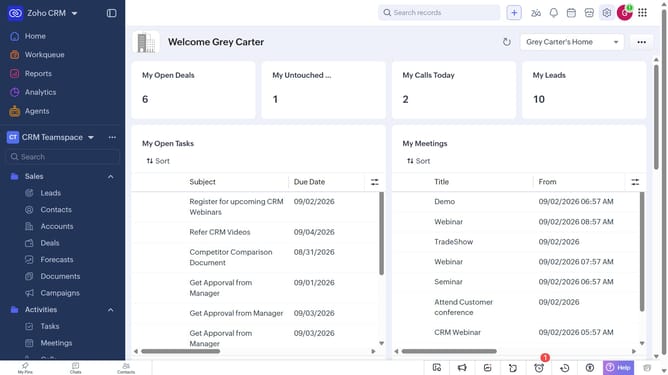
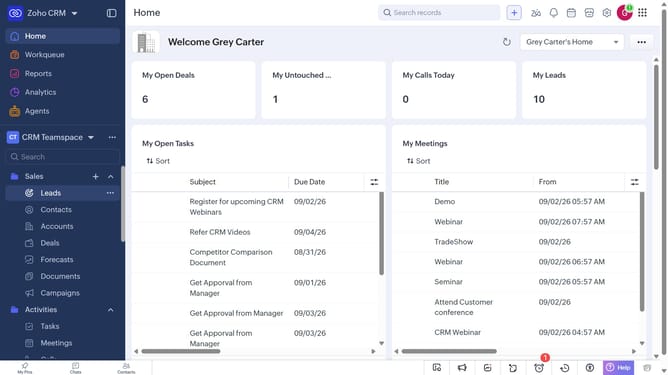
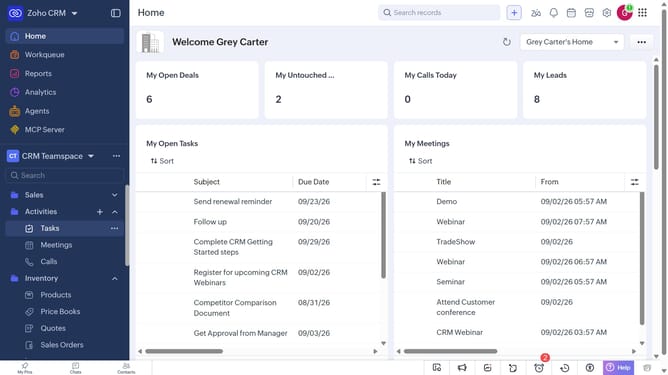
Here is how to change the theme color to grape on zoho crm
- First click on your avatar profile in the top right corner
- Next locate the "Themes" section
- Then, select your preferred theme option (Dark or Lite)
- Finally, select "Grape" from the theme color options
Why should you How to change the theme color to Grape on Zoho CRM
Zoho CRM is a comprehensive platform designed to streamline customer relationship management, enhancing team efficiency and client satisfaction.
One delightful feature is the ability to change the theme color to Grape, adding a fresh and vibrant look to your interface. This aesthetic customization can breathe life into your workspace, making your daily tasks more visually appealing.
Opting for the Grape theme not only enriches your user experience but also fosters a more engaging environment that can boost productivity and creativity, subtly influencing your workday mood.
Last update