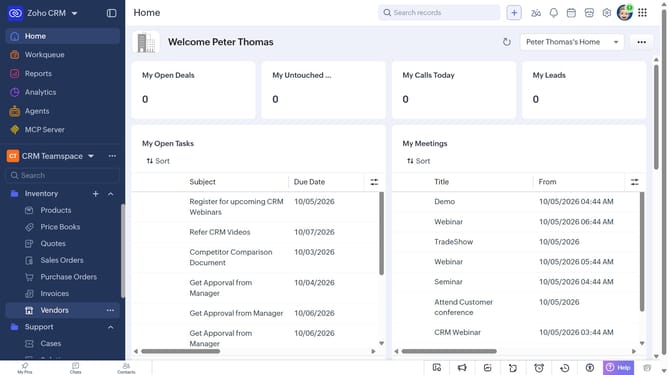
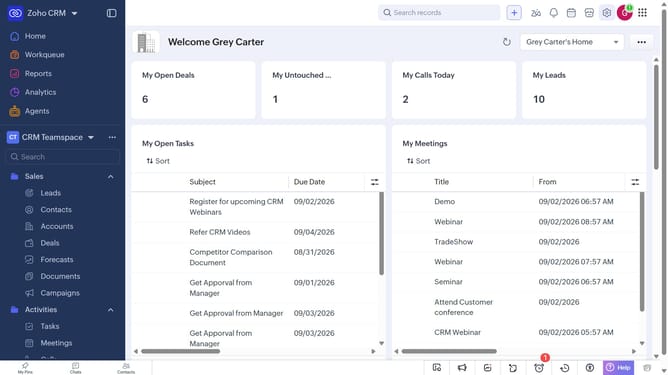
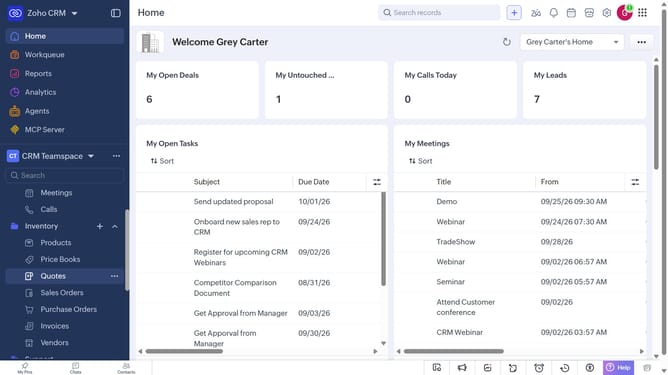
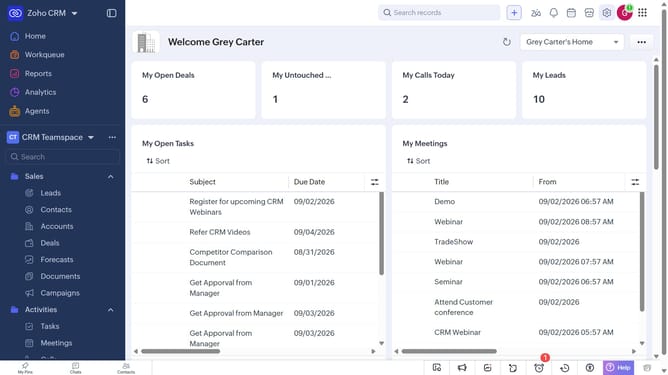
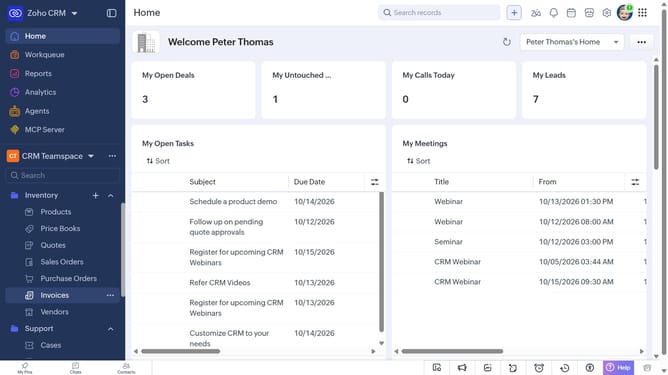
How to set the font size to Large on Zoho CRM
Here is how to set the font size to large on zoho crm
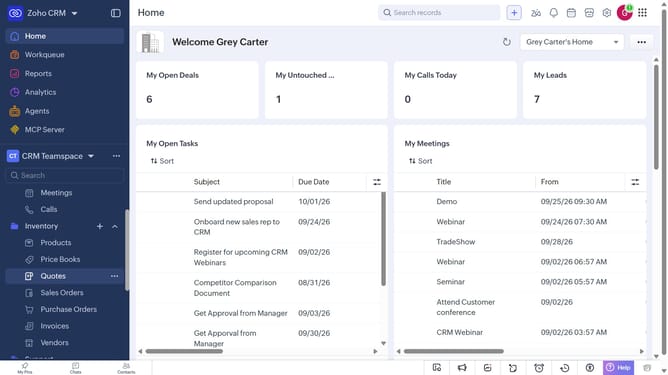
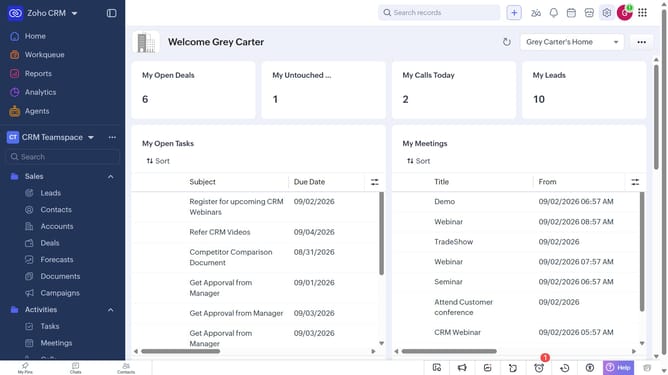
- First click on the settings icon in the top menu
- Next click on "Personal Settings" under the "General" section
- Click on the "Accessibility" tab
- After that, click on the "Vision" tab
- Then, locate the "Font Size" option
- Finally, click on "Large" on the font size slider
Why should you How to set the font size to Large on Zoho CRM
Zoho CRM is a dynamic tool designed to streamline and enhance customer relationship management effortlessly.
Setting the font size to Large in Zoho CRM is a practical feature that ensures a more comfortable viewing experience. This simple adjustment enhances readability, making it easier to navigate through data and focus on details without straining your eyes.
This feature is particularly beneficial for those who spend extended periods analyzing customer information, as it helps maintain productivity and reduces eye fatigue, ultimately improving workflow efficiency.
Last update