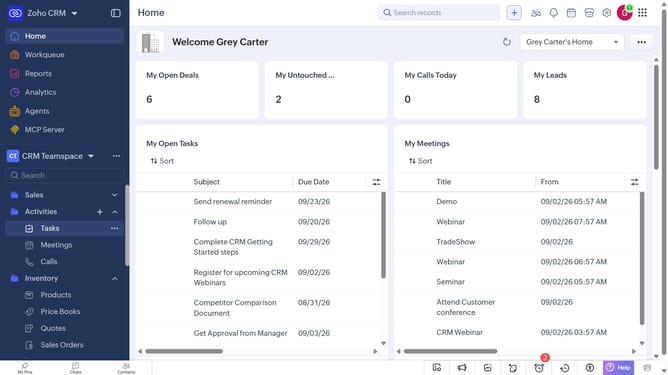
How to set the font size to Default on Zoho CRM
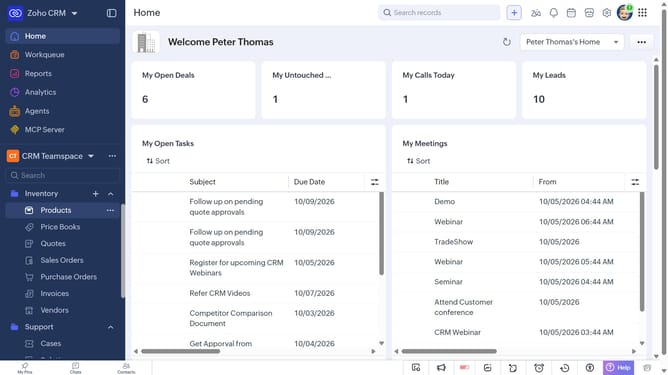
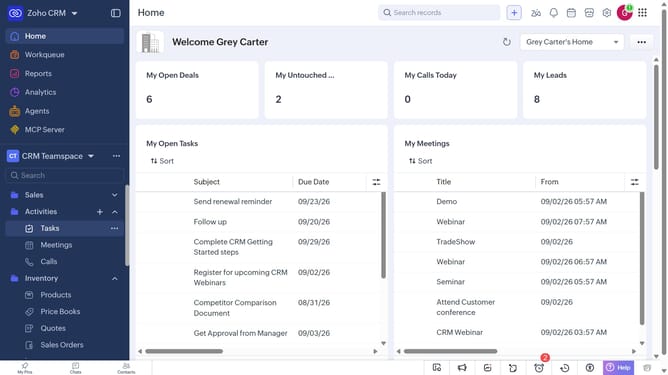
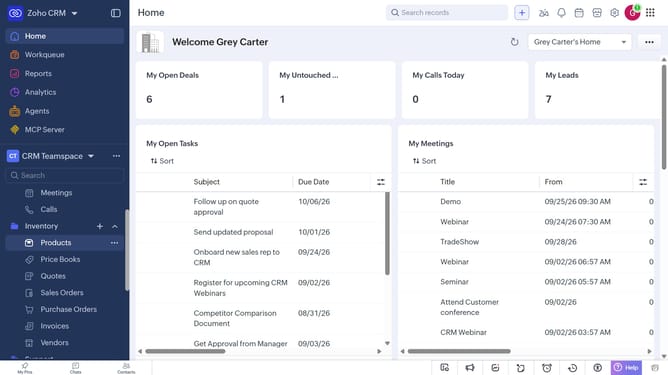
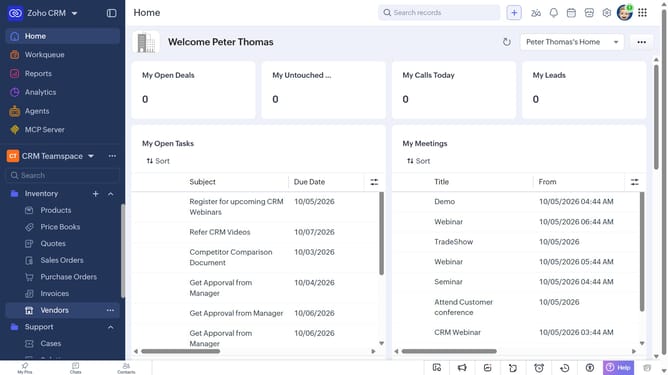
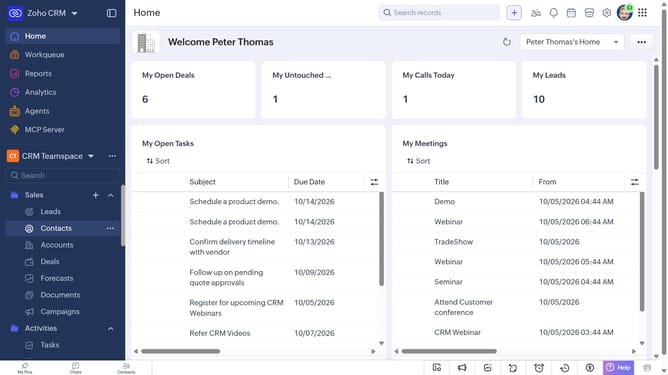
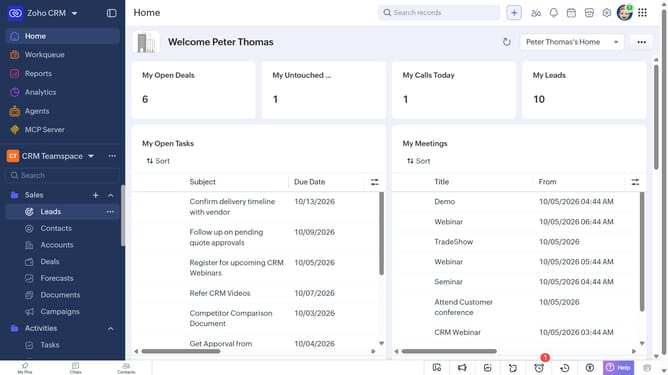
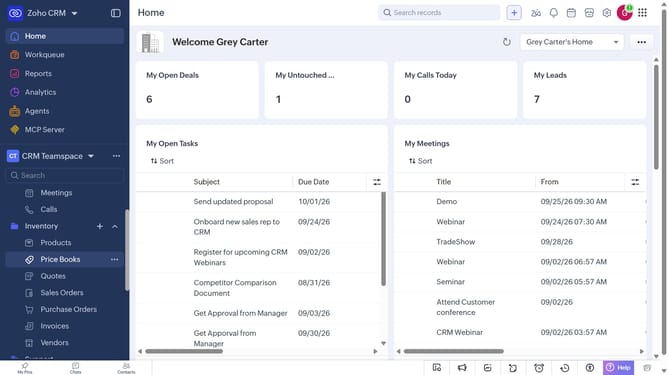
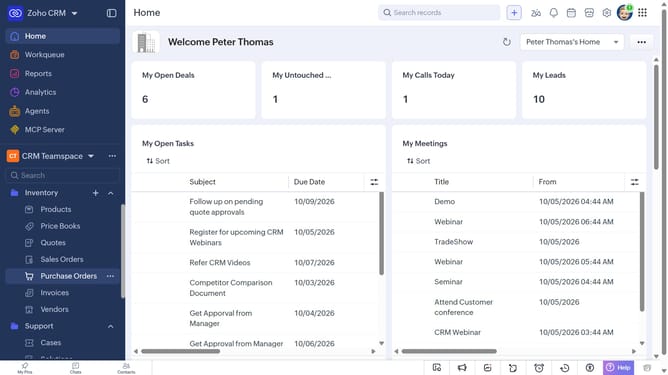
Here is how to set the font size to default on zoho crm
- First click on the settings icon in the top menu
- Next click on "Personal Settings" under the "General" section
- Click on the "Accessibility" tab
- After that, click on the "Vision" tab
- Then, locate the "Font Size" option
- Finally, click on "Default" on the font size slider
Why should you How to set the font size to Default on Zoho CRM
Zoho CRM is a dynamic tool designed to streamline your customer relationship management effortlessly.
One beneficial feature includes setting the font size to Default, enhancing readability and ensuring consistency across your platform. This helps maintain a professional appearance, which is crucial for effective communication within your team and with clients.
Using this feature allows a standardization that not only simplifies the user interface but also aids in reducing eye strain, promoting a comfortable working environment.
Last update