How to set a text to H1 in a table in Tettra
Here is how to set a text to h1 in a table in tettra
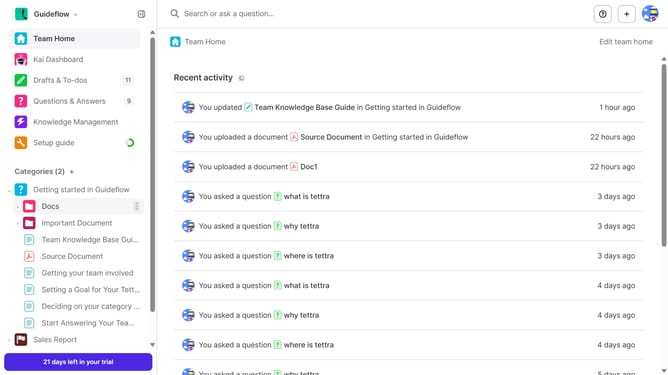
- First, click on the document title in the left sidebar
- Then click on "Continue Editing" button
- Next, highlight the text that you want to edit inside the table
- Finally click on the "H1" button in the formatting toolbar
Why should you How to set a text to H1 in a table in Tettra
Tettra is an intuitive knowledge management system designed to streamline team collaboration and information sharing.
Setting a text to H1 in a table in Tettra enhances content clarity by emphasizing key headings, making essential information stand out instantly.
Using H1 in tables not only improves readability but also aids in quick navigation through documents, ensuring users can easily locate critical details.
This feature supports the organization by maintaining structured, easy-to-digest content, which ultimately boosts team productivity and ensures efficient communication.
Last update