How to permanently delete an archived link in Tettra
Here is how to permanently delete an archived link in tettra
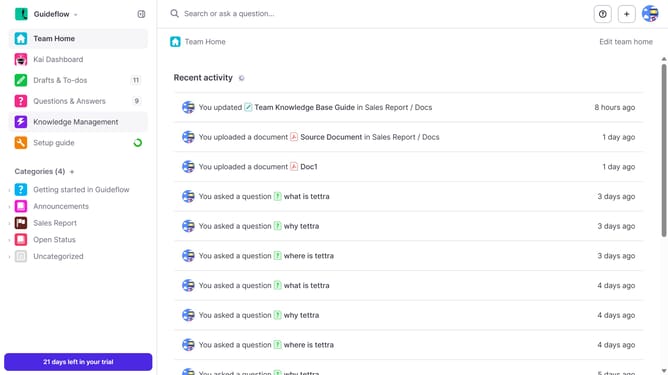
- First click on your profile dropdown in the header
- Then select "Archived content" from the dropdown menu
- Next click on the three dots icon next to the content you wish to permanently delete
- Then select "Delete permanently" from the opened menu
- Finally click on the "Delete" button to confirm permanent deletion
Why should you How to permanently delete an archived link in Tettra
Tettra is a powerful tool designed to streamline team knowledge sharing and documentation.
One of Tettra's useful features is the ability to permanently delete an archived link. This feature allows users to maintain a clean and organized knowledge base, ensuring only the most relevant and up-to-date information is easily accessible.
By using this feature, teams can reduce clutter and prevent confusion, enhancing overall productivity and collaboration. Removing outdated or unnecessary links ensures team members have access to accurate resources, fostering an efficient working environment.
Last update