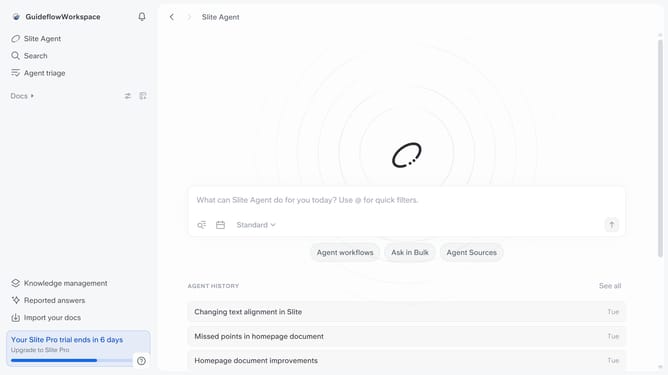
How to reply to a document comment in Slite
Here is how to reply to a document comment in slite
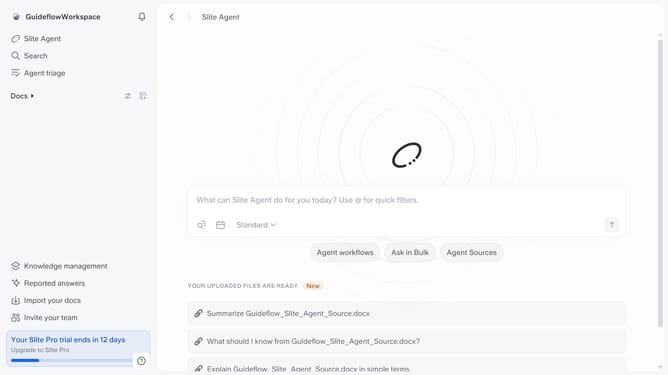
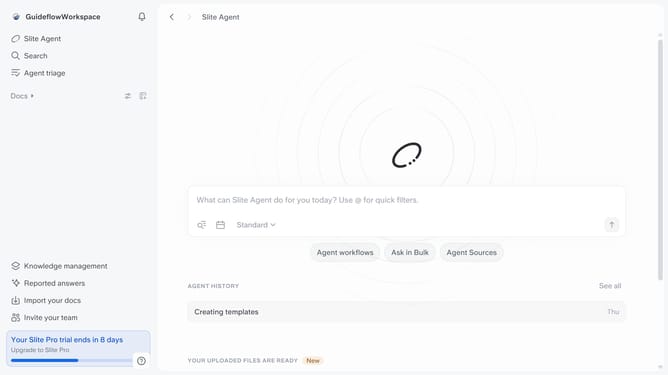
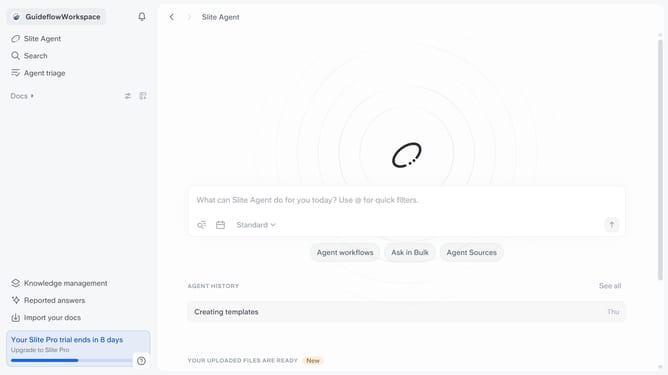
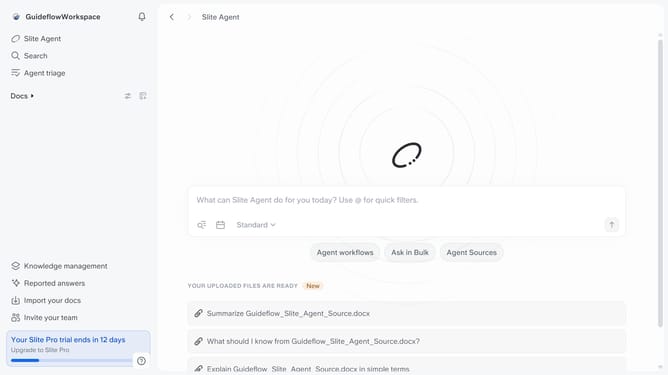
- First click on "Docs" item in the left sidebar
- Then click on the doc name that you want to open
- Then click on the "Comment" icon in the top menu
- Then click on the comment where you want to add a reply
- Then click on the "Reply" input field and enter your reply
- Finally click on the "Send" button
Why should you How to reply to a document comment in Slite
Slite is a powerful collaborative tool designed to streamline team communication and knowledge sharing.
Replying to document comments in Slite enhances collaboration by allowing team members to engage in meaningful conversations directly within documents. This feature keeps discussions focused and organized, reducing the need for scattered emails or external chats.
Using document comments for replies fosters clarity, as all relevant information and responses are centralized. This not only saves time but also ensures everyone stays aligned, boosting productivity and team cohesion.
Last update