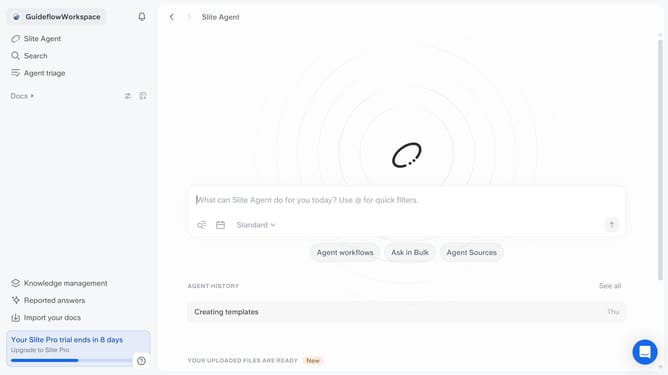
How to insert the shortened text in a document in Slite
Here is how to insert the shortened text in a document in slite
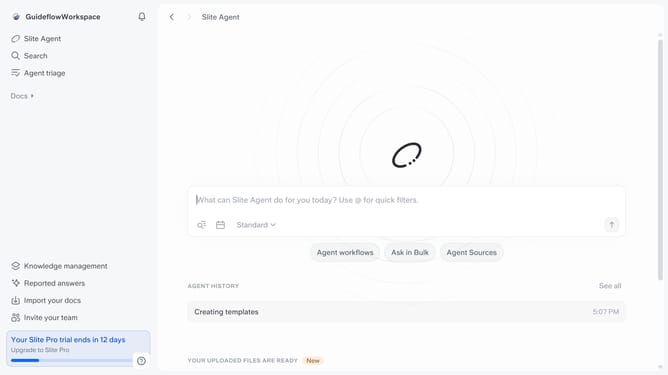
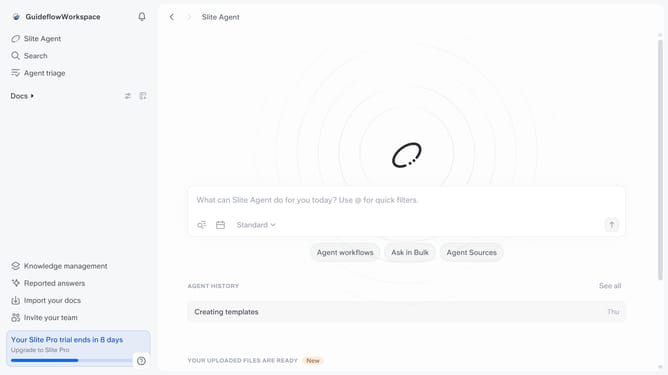
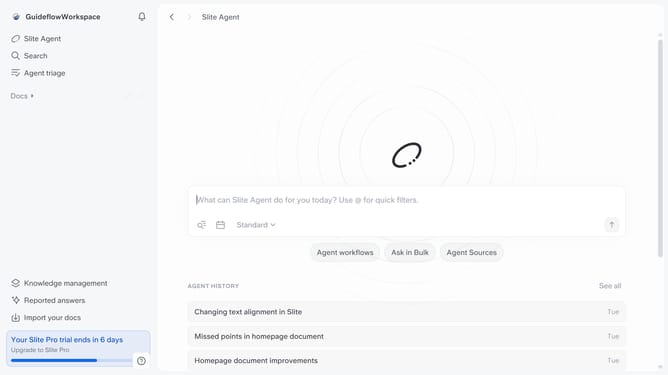
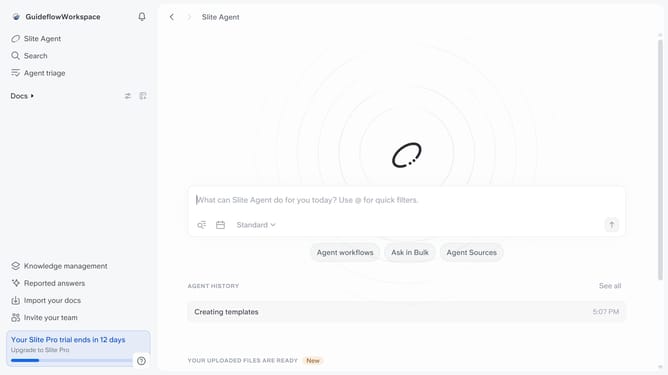
- First click on "Docs" item in the left sidebar
- Then click on the doc name that you want to open
- Then highlight the text you want to edit
- Next, click on the formatting icon in the header
- Then select "Shorten" from the quick improve menu
- Finally click on "Insert below" button
Why should you How to insert the shortened text in a document in Slite
Slite is a collaborative workspace that streamlines team communication and documentation effortlessly.
One standout feature in Slite is the ability to insert shortened text into documents. This feature allows users to quickly and neatly add concise versions of lengthy content, enhancing document readability and focus.
Utilizing shortened text promotes clarity and efficiency, ensuring key information remains accessible without overwhelming the reader. This streamlined approach is invaluable for maintaining productivity, especially in team settings where clear communication is crucial.
Last update