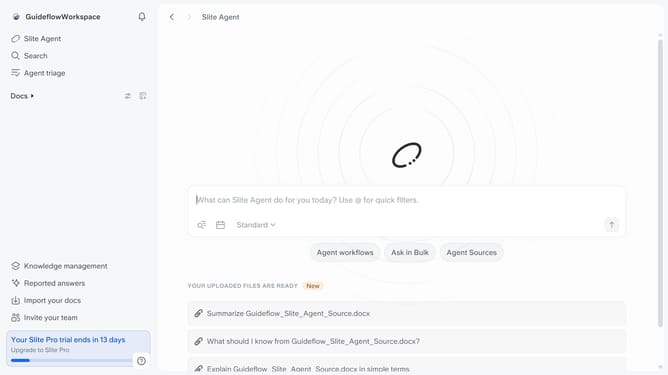
How to change the tone in a document in Slite
Here is how to change the tone in a document in slite
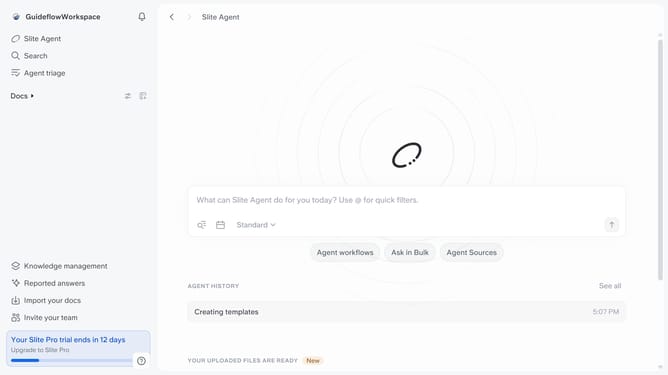
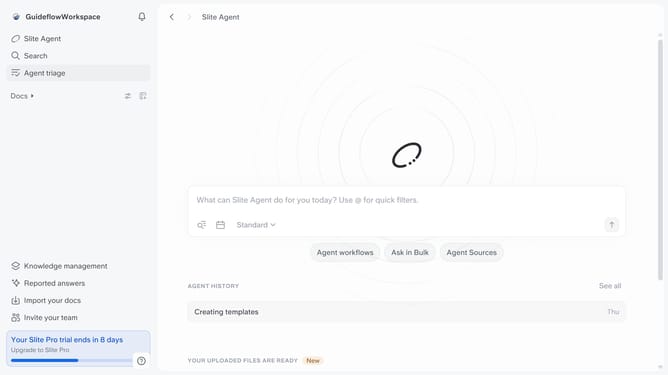
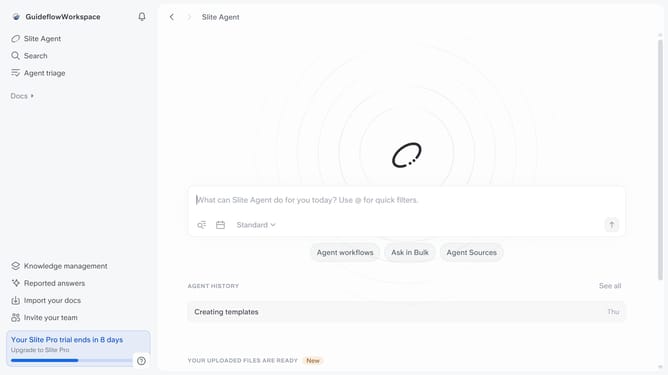
- First click on "Docs" item in the left sidebar
- Then click on the doc name that you want to open
- Then highlight the text you want to edit
- Next, click on the formatting icon in the header
- After that, click on "Change tone" from the dropdown menu
- Then select from the tone options
- Finally click on the "Replace selection" button
Why should you How to change the tone in a document in Slite
Slite is a collaborative workspace designed to streamline team communication and documentation effortlessly.
One of its standout features is the ability to change the tone in a document, offering users unparalleled flexibility in communication style.
This feature is perfect for tailoring your message to diverse audiences, ensuring your content resonates effectively whether for formal reports or casual updates.
By adapting the tone, teams can enhance clarity, foster better understanding, and maintain coherence across different types of documentation, driving productivity and engagement.
Last update