How to clear a document's verification request status in Slite
Here is how to clear a document's verification request status in slite
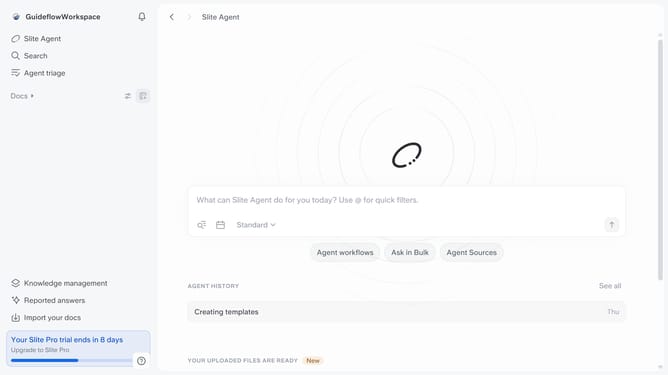
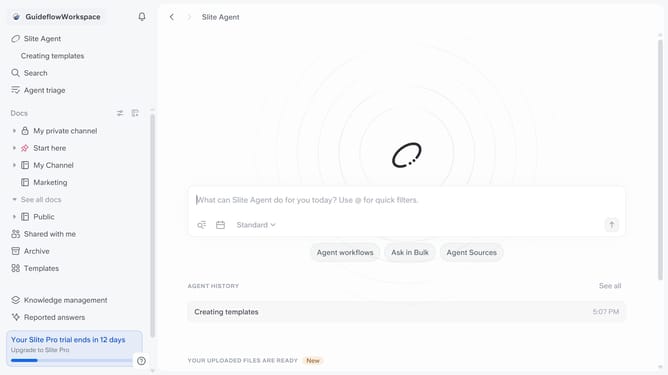
- First click on "Docs" item in the left sidebar
- Then click on the document that you like to open
- Click on "Verification requested" button
- Finally click on "Clear Verification requested status" button
Why should you How to clear a document's verification request status in Slite
Slite is a collaborative documentation tool designed to streamline team communication and knowledge sharing effortlessly.
Clearing a document's verification request status in Slite is a key feature that helps teams maintain clarity and focus. It allows users to reset or remove outdated verification requests, ensuring documents remain current and relevant.
This feature is incredibly beneficial for teams aiming for precision and clarity in their documentation. By keeping verification statuses up-to-date, team members avoid confusion, ensure accountability, and maintain a streamlined workflow.
In essence, this feature supports a dynamic and efficient work environment, fostering enhanced collaboration and seamless communication within the team.
Last update