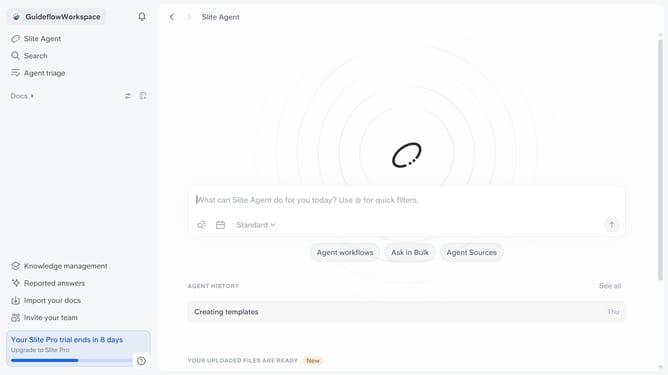
How to visit help center in Slite
Here is how to visit help center in slite
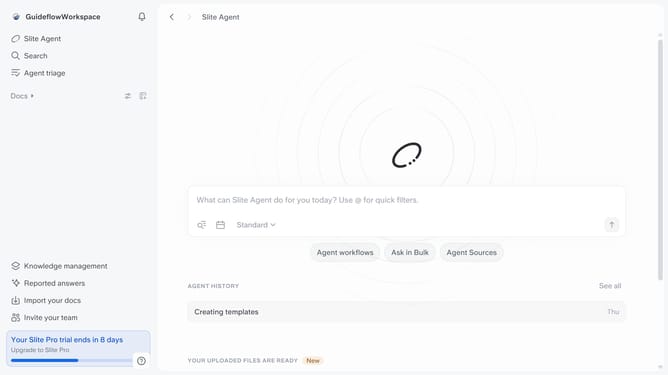
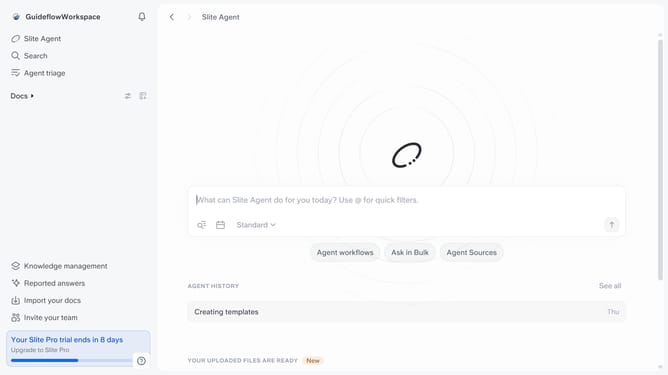
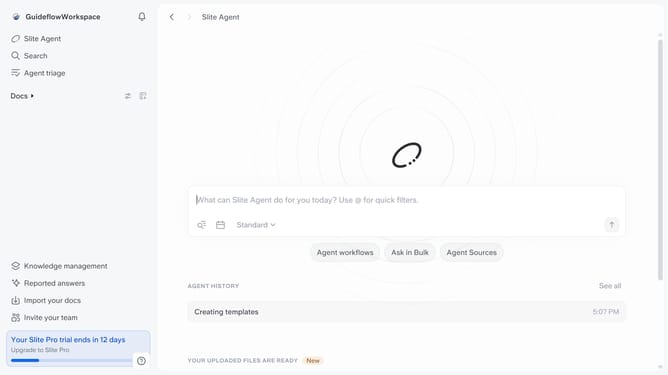
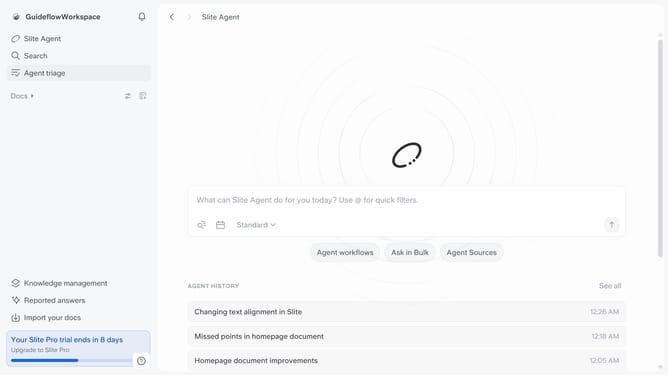
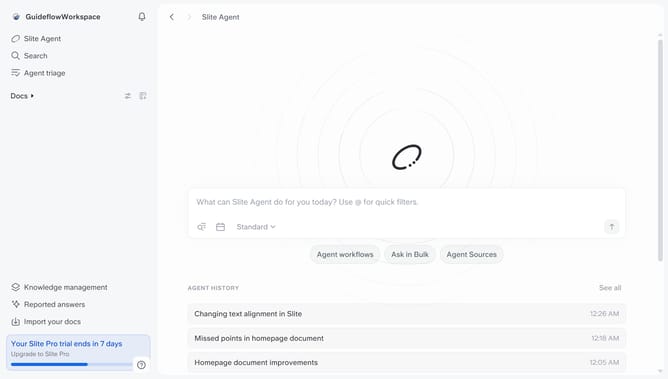
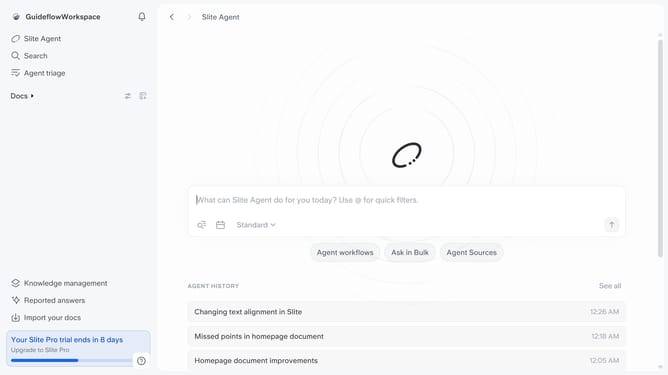
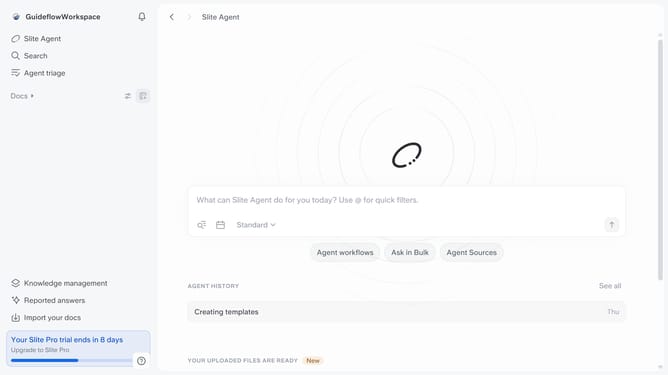
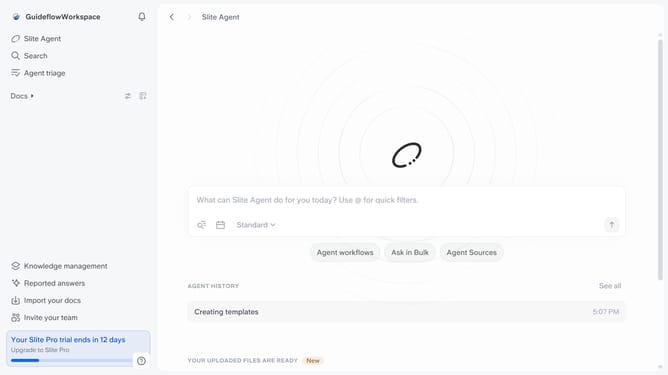
- First click on "Docs" in the left sidebar
- Then click on the document that you like to open
- Finally click on the "Visit our help center" link
Why should you How to visit help center in Slite
Slite is a collaborative workspace designed to bring your team's knowledge together, making it easily accessible and organized.
The help center in Slite is a valuable resource designed to enhance user experience and provide quick solutions. It's where you can dive into a wealth of knowledge, enabling smoother navigation and problem-solving. By visiting the help center, users can effortlessly find answers and learn new features.
Accessing this feature ensures that you’re never stuck; it's like having a guide that helps unlock the full potential of your team’s productivity in Slite. Engaging with the help center empowers users to embrace all of Slite’s capabilities with confidence.
Last update