How to show the changes of the simplified language in a document in Slite
Here is how to show the changes of the simplified language in a document in slite
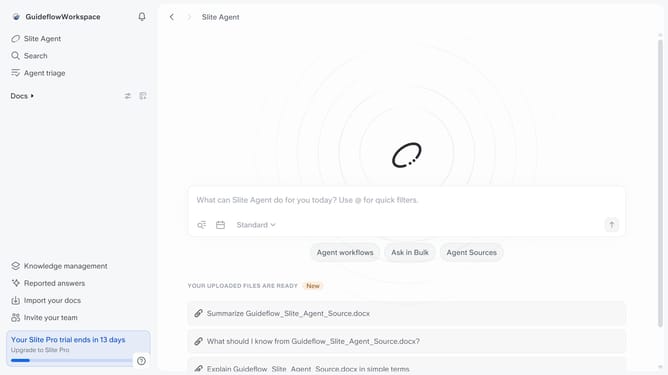
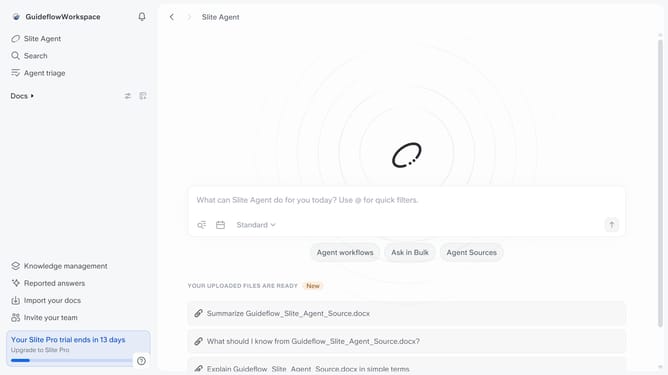
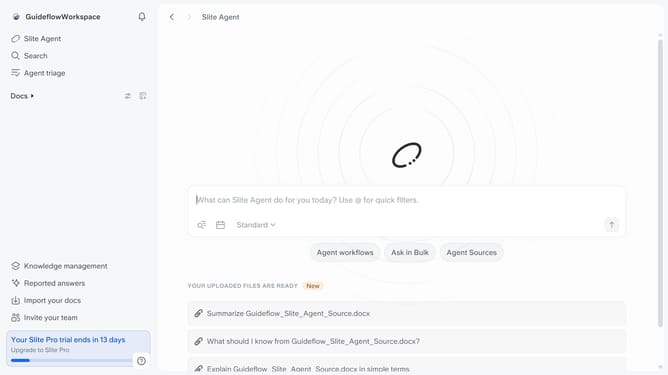
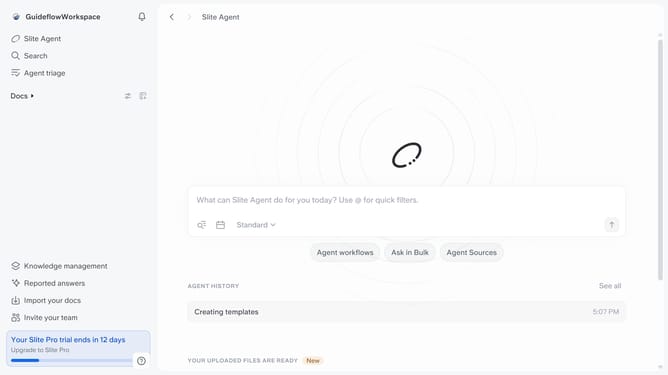
- First click on "Docs" item in the left sidebar
- Then click on the doc name that you want to open
- Then highlight the text you want to edit
- Next, click on the formatting icon in the header
- Then, select "Simplify language" from the dropdown menu
- Finally, toggle ON the "Show changes" to review the modifications
Why should you How to show the changes of the simplified language in a document in Slite
Slite is a collaborative workspace designed to streamline communication and organize team knowledge efficiently.
One of its standout features is the ability to showcase changes made when simplifying language in a document. This feature allows users to track and visualize modifications, fostering transparency and collaboration among team members.
By highlighting these changes, teams can ensure clarity and maintain consistency in their communication. It helps in refining content to be more inclusive and accessible, thereby enhancing overall understanding and engagement.
Utilizing this feature promotes a culture of continuous improvement, making documents easier to digest and more effective for a diverse audience.
Last update