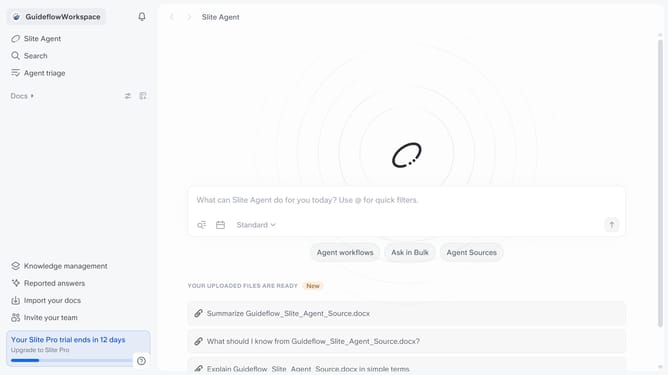
How to unfollow a document's update in Slite
Here is how to unfollow a document's update in slite
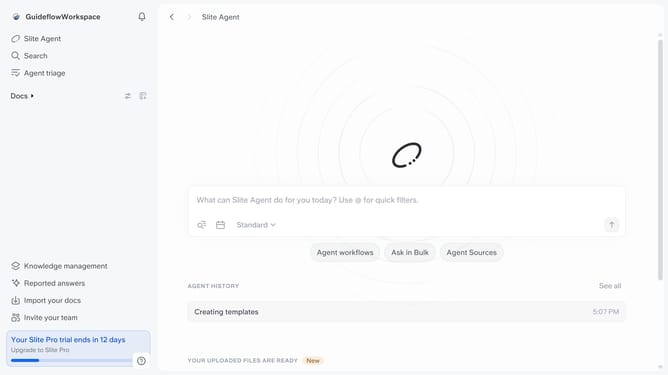
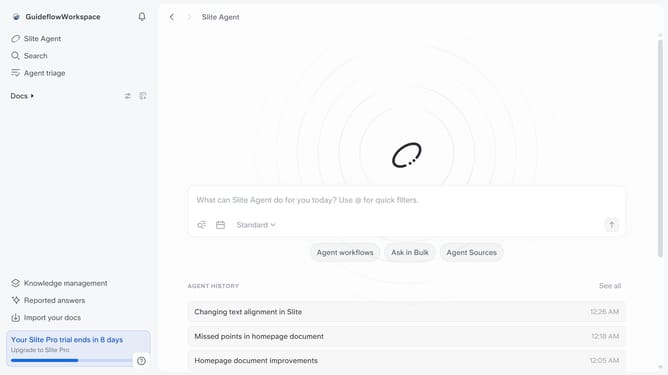
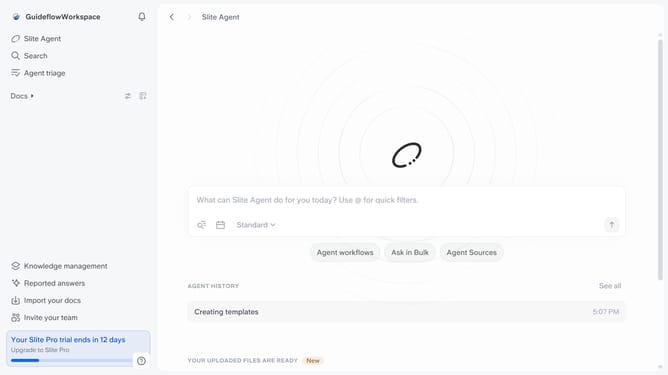
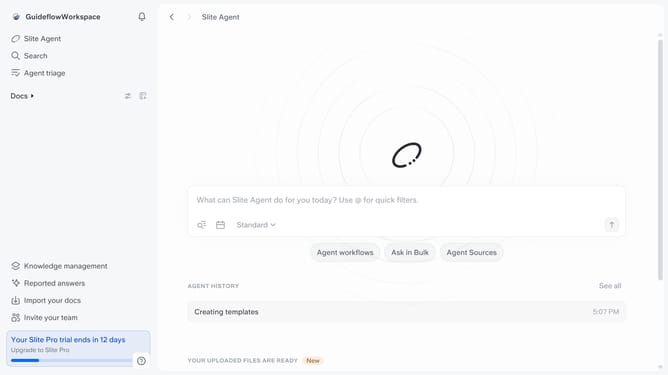
- First click on "Docs" item in the left sidebar
- Then click on the doc name that you want to open
- Then click on the three dots icon in the top right corner
- Finally toggle OFF the switch across "Follow updates" to disable it
Why should you How to unfollow a document's update in Slite
Slite is a collaborative platform designed to streamline team documentation and communication with ease.
Unfollowing a document’s update in Slite allows you to focus on what truly matters without unnecessary distractions. This feature is perfect for team members who want to keep their notification inbox clean and relevant. By choosing which document updates to follow, you can tailor your attention to particular projects or topics, enhancing productivity and reducing information overload.
Embracing the ability to limit notifications fosters a more organized and clutter-free experience, letting you concentrate on your priority tasks. This way, Slite empowers you to maintain a seamless workflow while staying updated on pertinent information.
Last update