How to move a document to another channel in Slite
Here is how to move a document to another channel in slite
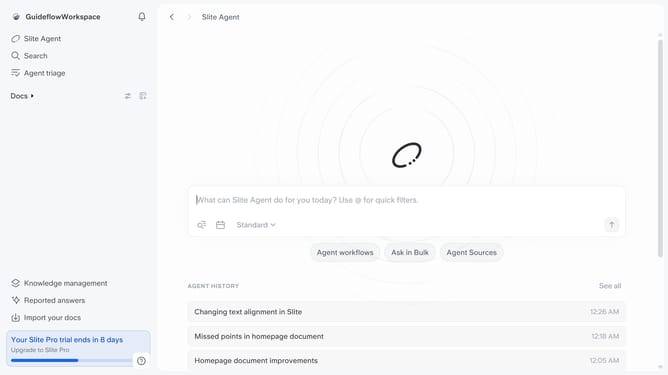
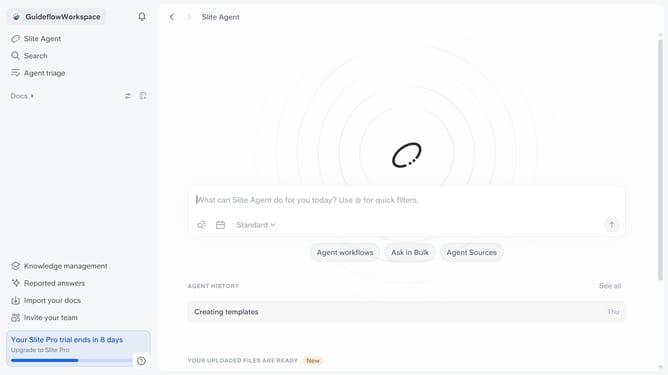
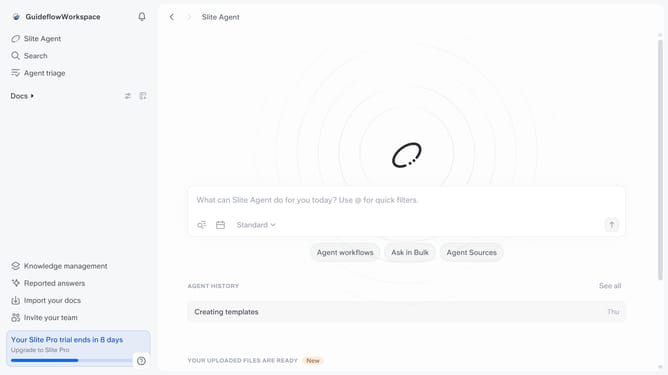
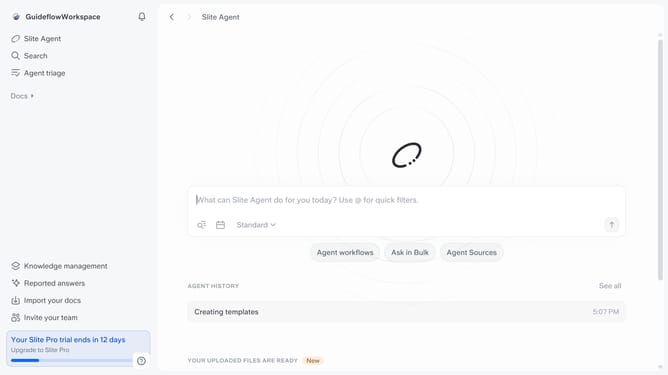
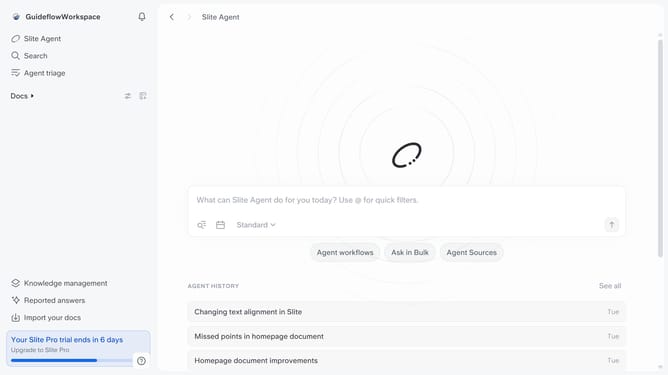
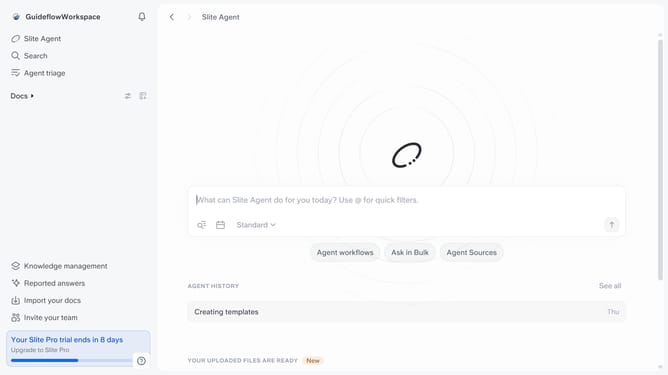
- First click on "Docs" in the left sidebar
- Then click on the three dots icon next to the document you want to move
- Next select "Move to" from the dropdown menu
- Then click on your selected channel destination
- Finally click on the "Move" button
Why should you How to move a document to another channel in Slite
Slite is a collaborative workspace designed to streamline team knowledge sharing effortlessly.
Moving a document to another channel in Slite is an effortless way to organize your team's information. This feature ensures that all relevant documents are easily accessible to the right team members. By transferring documents seamlessly, teams maintain a structured and intuitive workflow.
Utilizing this feature encourages clarity and enhances collaboration, allowing team members to find and contribute to documents without any hassle. It's a straightforward solution for keeping your knowledge base tidy and efficient.
Last update