How to enable AI powered search in a document in Slite
Here is how to enable ai powered search in a document in slite
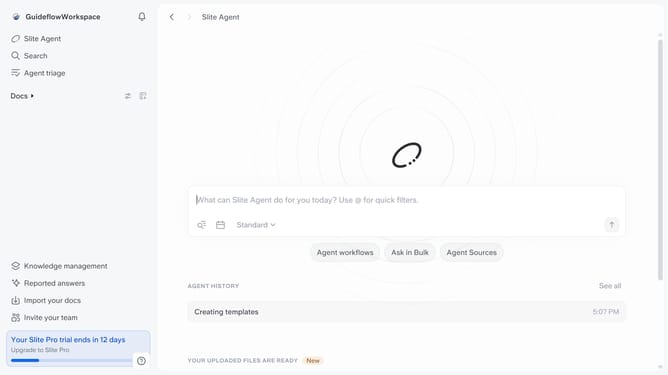
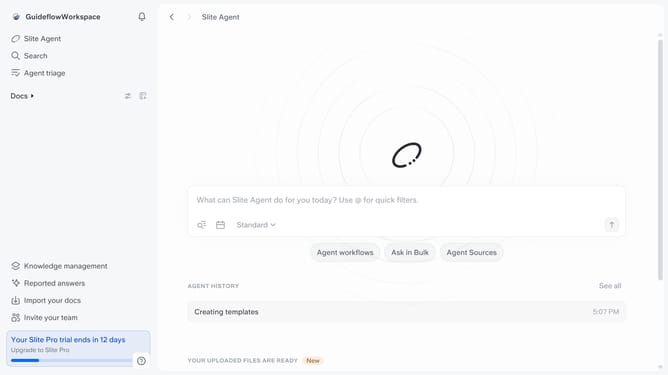
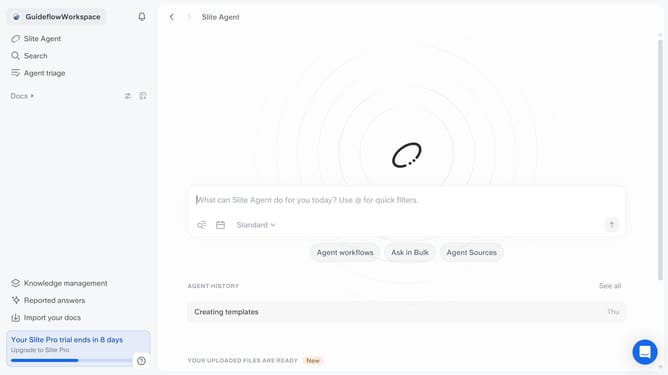
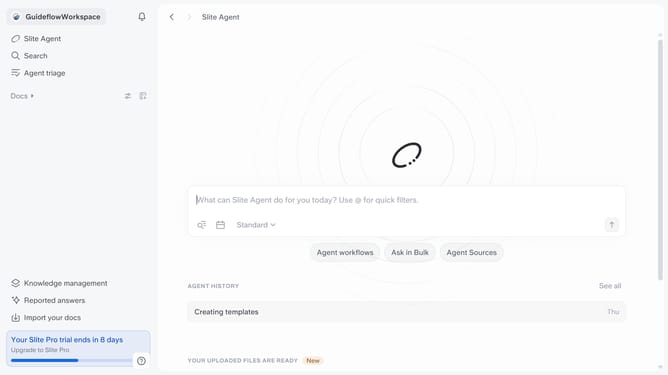
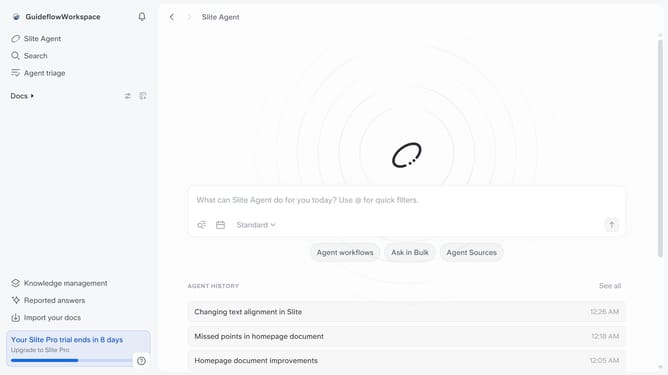
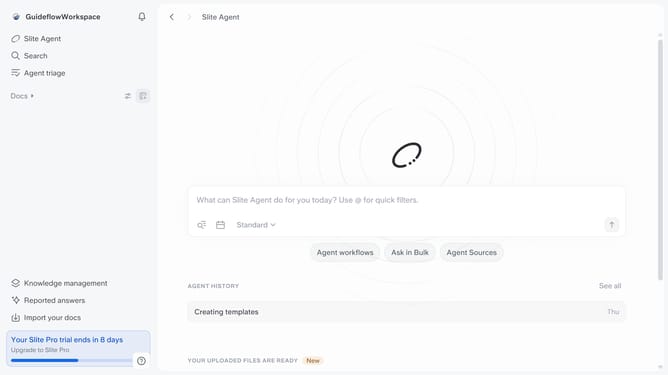
- First click on "Docs" item in the left sidebar
- Then click on the doc name that you want to open
- Next, click on the "Share" button in the top menu
- Finally toggle ON the "Enable AI powered search" switch to enable it
Why should you How to enable AI powered search in a document in Slite
Slite is a collaborative workspace designed to streamline team communication and document sharing.
Imagine streamlining the way you find information within your documents—this is where AI-powered search comes in. By enabling this feature in Slite, you can quickly locate the exact content you need, saving valuable time and effort.
Using AI to search through documents ensures that you're not sifting through endless pages. It makes the process intuitive and precise, enhancing productivity for you and your team. Embrace the efficiency of modern technology to stay ahead in your workflow.
Last update