How to rename a document in Slite
Here is how to rename a document in slite
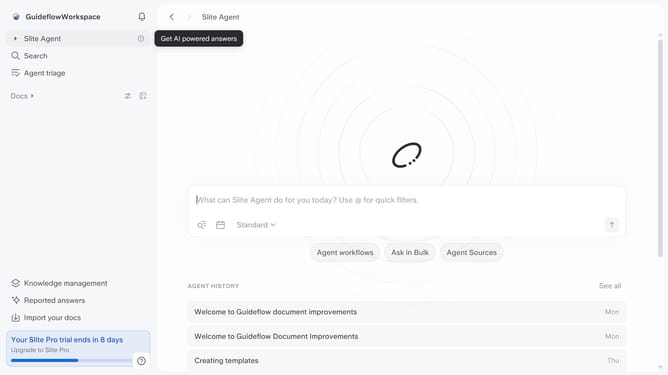
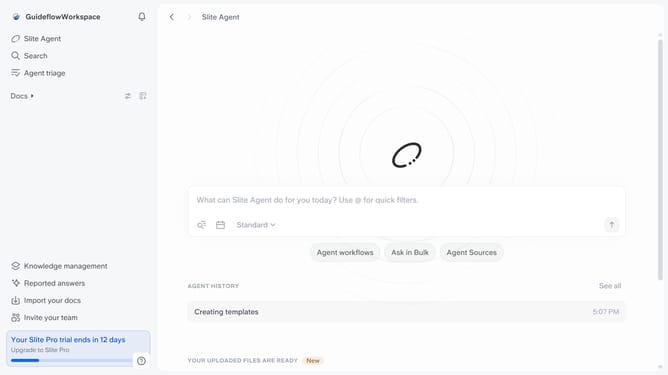
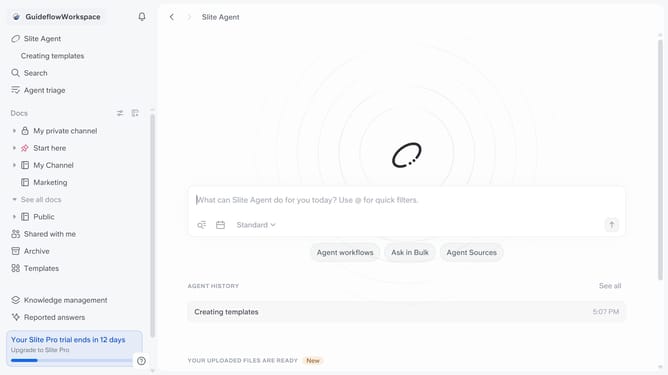
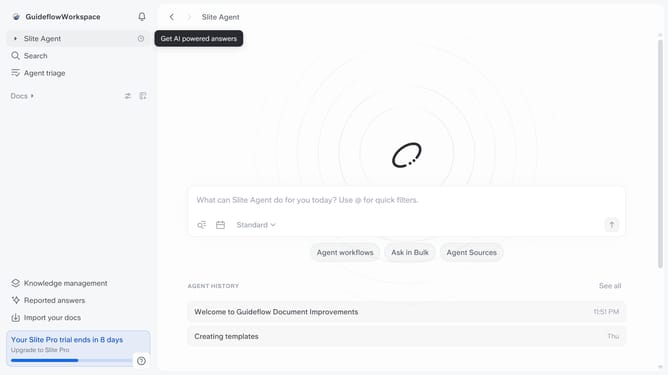
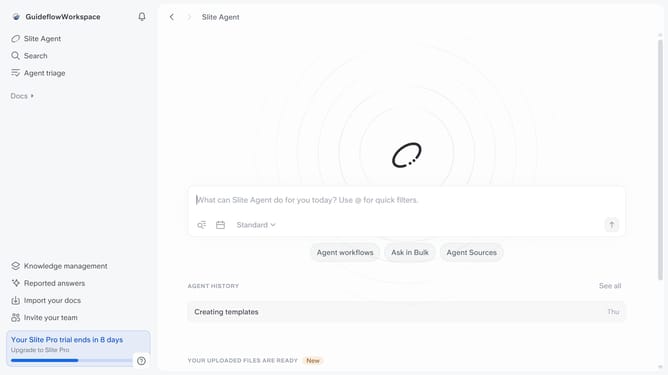
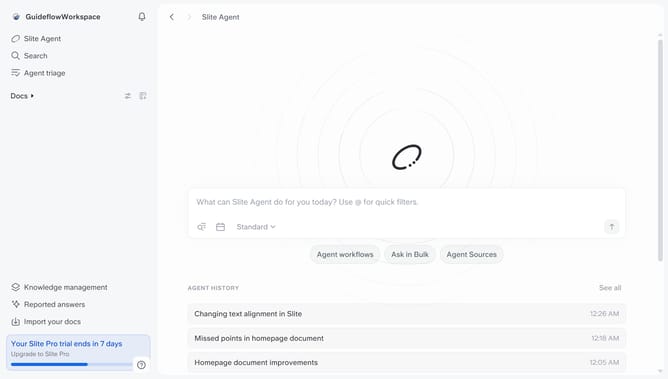
- First click on the "Docs" item in the sidebar
- Then click on the document that you like to rename
- Click the document title at the top of the page and type the new name
- Finally, click outside the title field to save the change
Why should you How to rename a document in Slite
Slite, your collaborative workspace, streamlines team communication and documentation effortlessly.
Renaming a document in Slite is intuitive and seamless, allowing you to maintain organized and relevant document titles.
This feature enhances productivity by ensuring that your documents are easy to locate and reflect their content accurately.
Updated titles contribute to clearer communication and efficient document management, benefiting both individual and team-focused tasks.
Last update