How to follow document update in Slite
Here is how to follow document update in slite
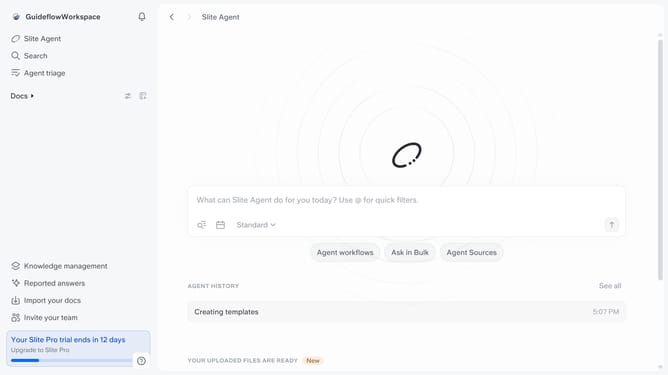
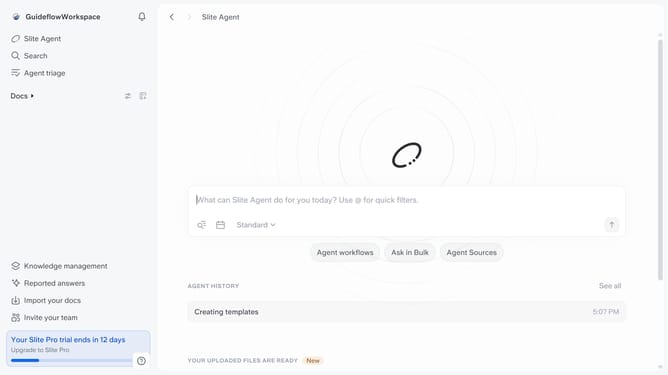
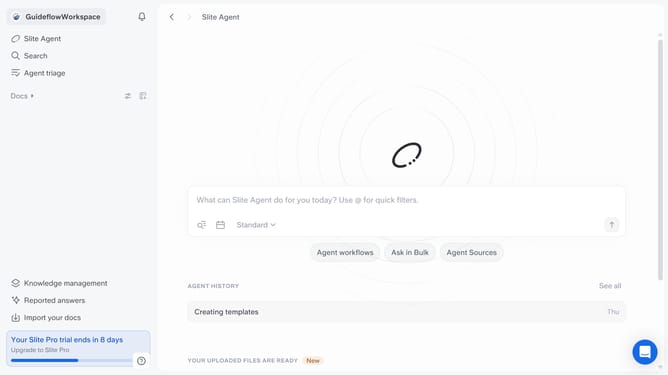
- First click on "Docs" item in the left sidebar
- Then click on the doc name that you want to open
- Then click on the three dots icon in the top right corner
- Finally toggle ON the switch across "Follow updates" to enable it
Why should you How to follow document update in Slite
Slite is a collaborative workspace designed to streamline team communication and knowledge sharing.
Following document updates in Slite is a powerful feature that keeps you effortlessly in sync with your team's latest developments. By subscribing to updates, you ensure that you never miss critical changes or fresh insights added by your colleagues.
This feature allows for enhanced collaboration, enabling team members to stay aligned, contribute timely feedback, and drive projects forward with ease. Embracing this functionality ensures your workflow remains smooth and cohesive, fostering a more dynamic and informed team environment.
Last update