How to draw a rectangle a sketch in Slite
Here is how to draw a rectangle a sketch in slite
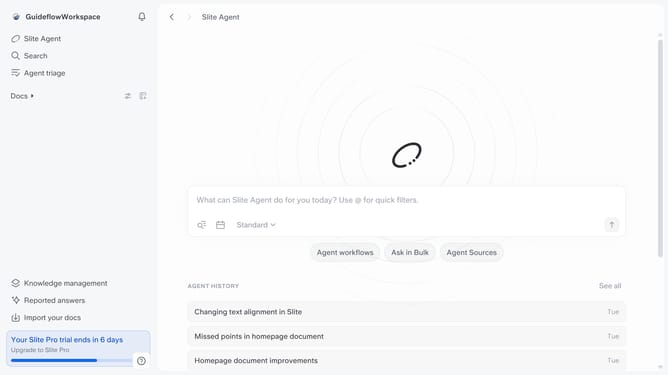
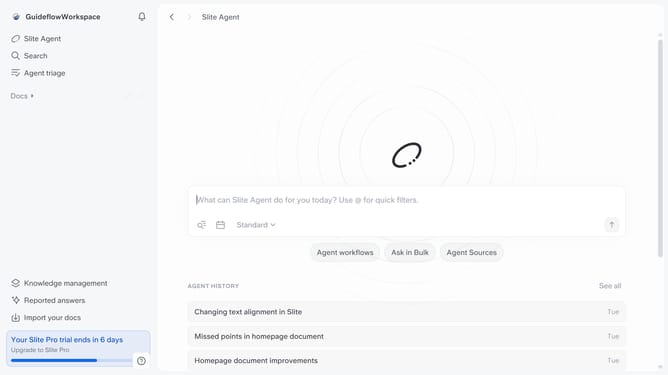
- First click on "Docs" item in the left sidebar
- Then click on the doc name that you want to open
- Next, click on the "Start sketching" button
- Then click on the "Rectangle" icon in the top toolbar
- Finally click and drag on the canvas to draw the rectangle
Why should you How to draw a rectangle a sketch in Slite
Slite is a collaborative documentation tool designed to streamline team communication and organization.
One standout feature is the ability to draw a rectangle in a sketch. This tool enhances visual clarity in notes, making it easier to highlight and organize key points.
The simplicity of sketching in Slite empowers teams to swiftly illustrate ideas, ensuring everyone is on the same page. Using these visual elements fosters clearer communication, improves understanding, and boosts productivity, making collaboration more effective and engaging.
Last update