How to disable a member to have a Slite Agent seat in Slite
Here is how to disable a member to have a slite agent seat in slite
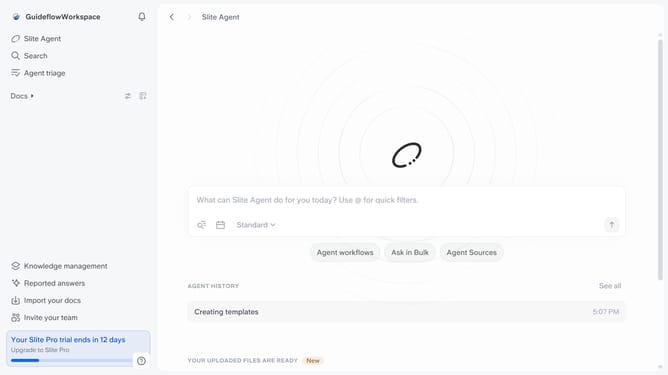
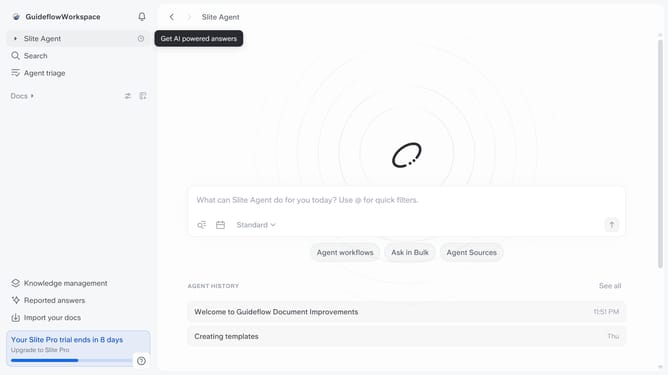
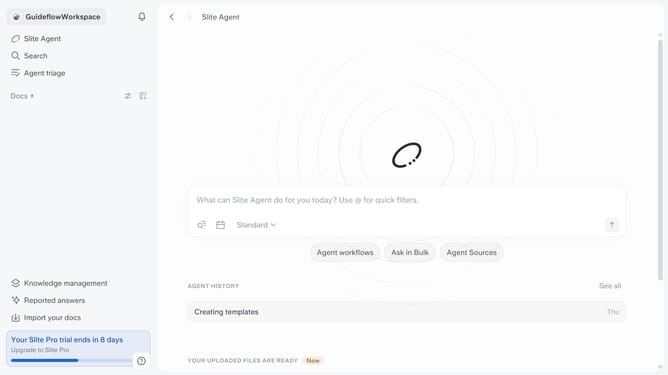
- First click on your workspace link in the left sidebar
- Then click on the "Invite members" option in the sidebar menu
- Click on the dropdown for "Slite Agent Seat"
- Finally select "No" from the dropdown menu
Why should you How to disable a member to have a Slite Agent seat in Slite
Slite is a collaborative documentation platform designed to streamline team communication and organization.
Disabling a member's Slite Agent seat is a straightforward feature that ensures optimal license management within your team.
By removing a member from an Agent seat, you can effectively allocate resources, reducing unnecessary costs while maintaining team efficiency.
This feature allows you to keep your team agile, ensuring only essential members occupy active seats, which can improve overall productivity and team alignment.
Last update