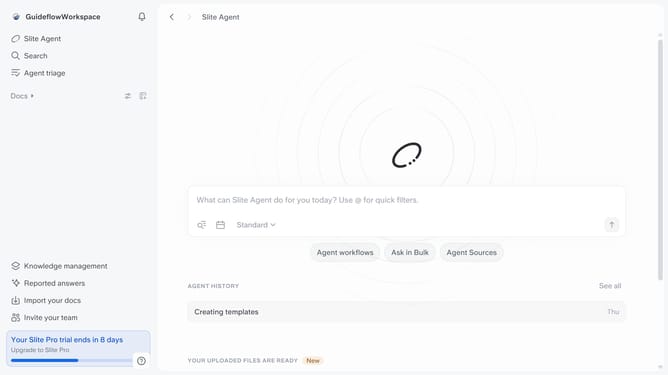
How to archive a member in Slite
Here is how to archive a member in slite
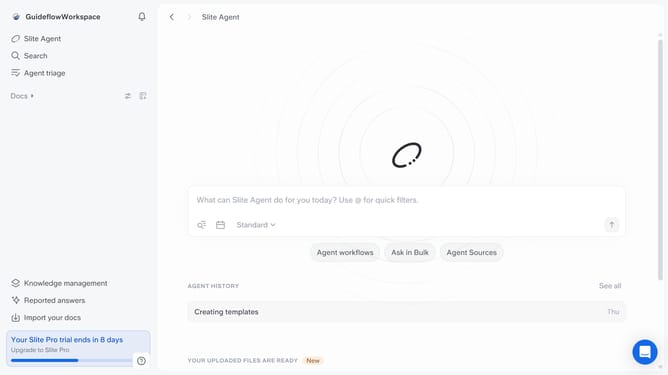
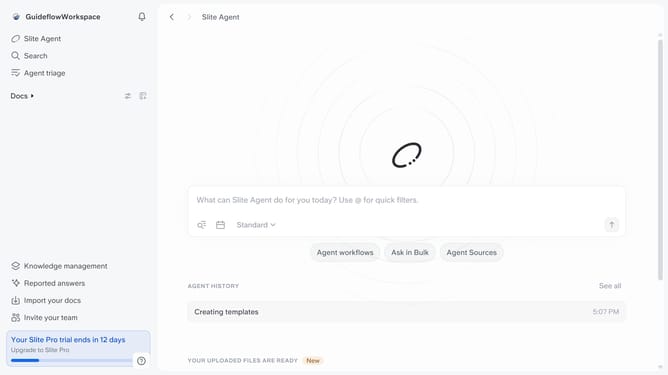
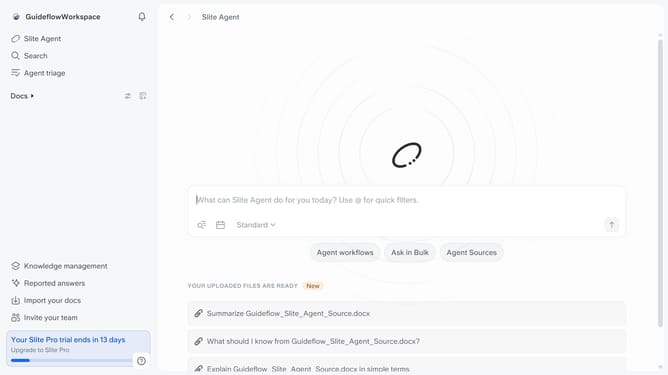
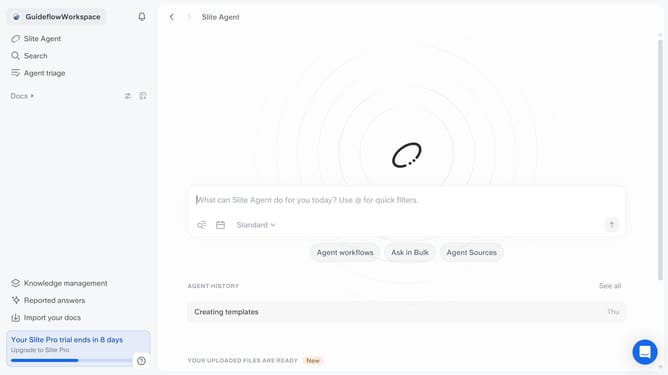
- First click on your workspace link in the left sidebar
- Then click on the "Invite members" option in the sidebar menu
- Next click on the three dots icon next to the member's role
- Then click on the "Archive" option
- Finally click on the "Archive user" button
Why should you How to archive a member in Slite
Slite, a collaborative workspace, streamlines team communication and organization.
Archiving a member in Slite enhances team management by allowing you to maintain a clean and organized workspace. This feature helps in keeping your team directory up-to-date, ensuring that only active members are present, which reduces clutter and potential confusion.
By archiving members, you ensure smoother project management. It also aids in preserving important contributions from past members, without affecting current productivity. This organization fosters a more efficient and focused collaborative environment, benefiting overall team dynamics.
Last update