How to change the rectangles sloppiness in a sketch in Slite
Here is how to change the rectangles sloppiness in a sketch in slite
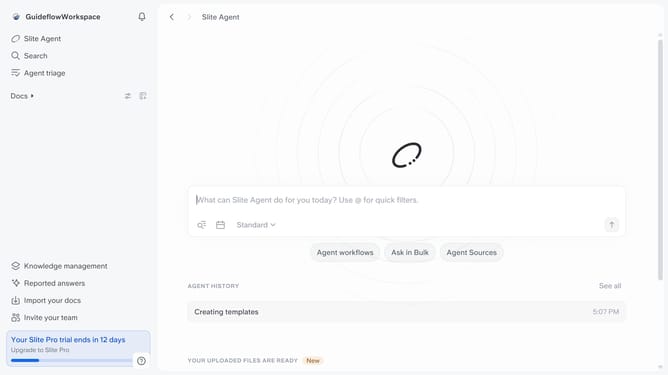
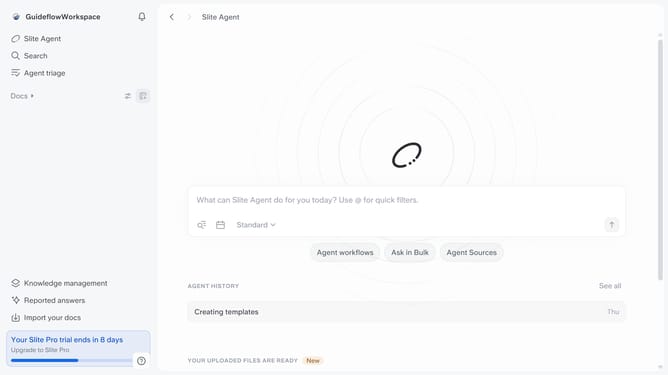
- First click on "Docs" in the left sidebar
- Then click on the doc name that you want to open
- Then click on the sketch in the document
- Next, click on the "Edit" icon
- Click on the rectangle shape to show available options
- Finally select from the sloppiness option
Why should you How to change the rectangles sloppiness in a sketch in Slite
Slite is your team's collaborative hub, simplifying knowledge sharing and organization.
In Slite's sketch tool, adjusting the "sloppiness" of rectangles allows for a more personalized and creative touch. This feature caters to those who prefer their visuals to have a hand-drawn appearance, adding charm and a human element to your designs.
Using this feature enhances presentations by making diagrams more engaging and less rigid. It provides flexibility, encouraging creativity while still maintaining clarity, making your sketches both distinctive and professional.
Last update