How to shorten text in a document in Slite
Here is how to shorten text in a document in slite
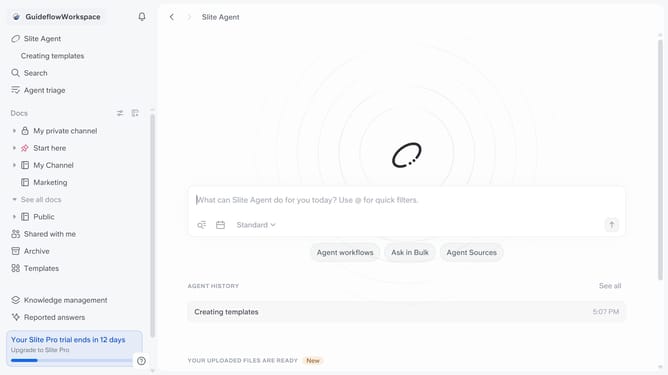
- First click on "Docs" item in the left sidebar
- Then click on the doc name that you want to open
- Then highlight the text you want to edit
- Next, click on the formatting icon in the header
- Finally select "Shorten" from the dropdown menu
Why should you How to shorten text in a document in Slite
Slite is a collaborative workspace designed to keep your team's knowledge organized and accessible.
One of Slite's standout features is its ability to effortlessly shorten text in a document. This functionality allows users to condense information without losing essential context, making documents more readable and focused.
Using this feature enhances clarity, cuts down on clutter, and ensures that key points are highlighted. It's especially beneficial for teams who need to quickly grasp important information, improving productivity and communication.
Overall, this capability empowers teams to maintain clear, concise documentation, fostering a more efficient workflow.
Last update