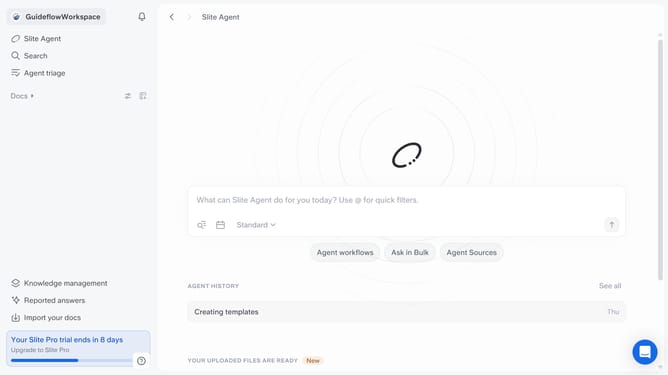
How to copy Slite agent answer in Slite
Here is how to copy slite agent answer in slite
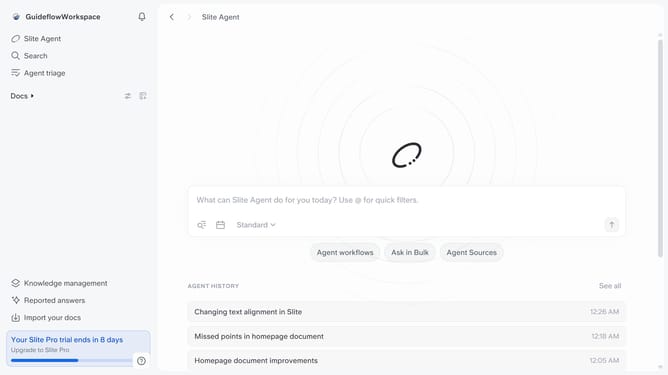
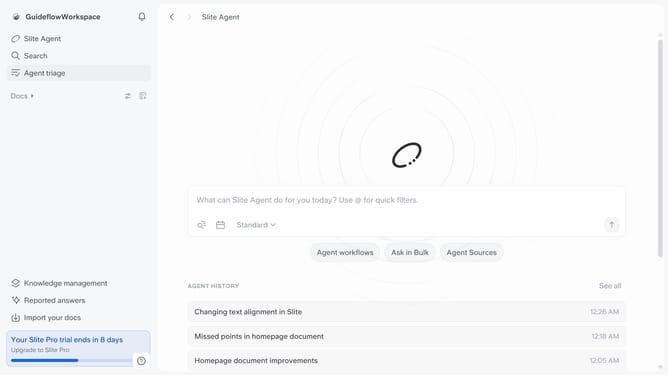
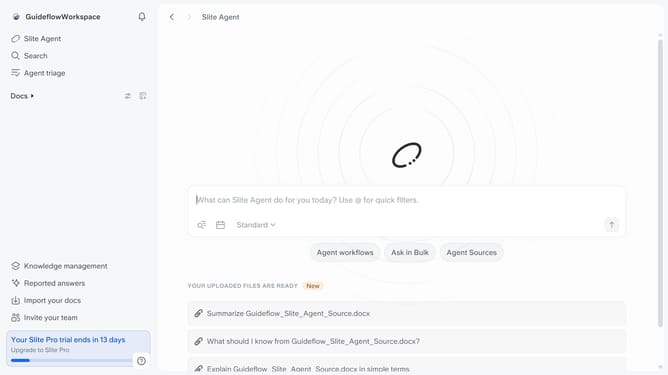
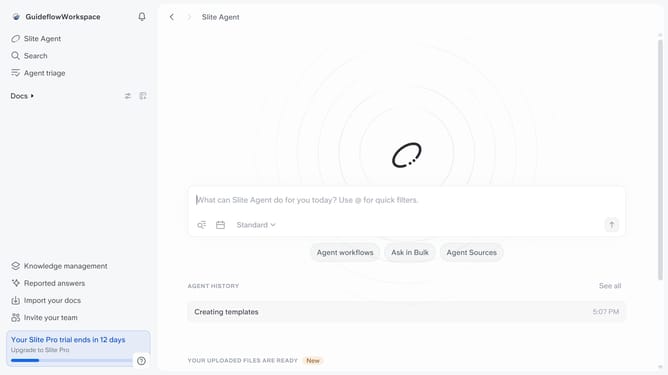
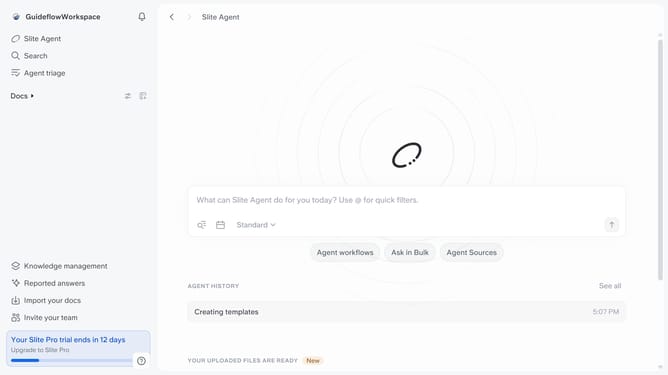
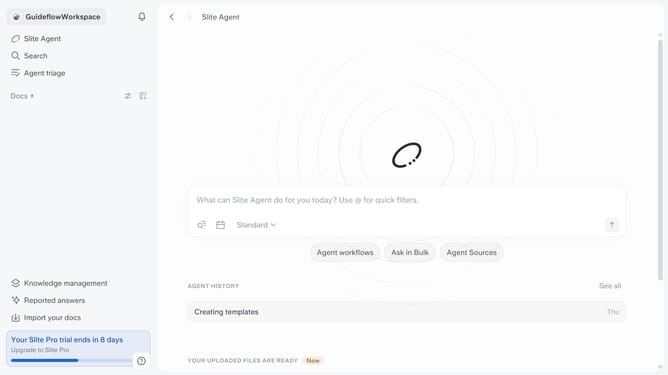
- First, click on "Slite Agent" in the left sidebar
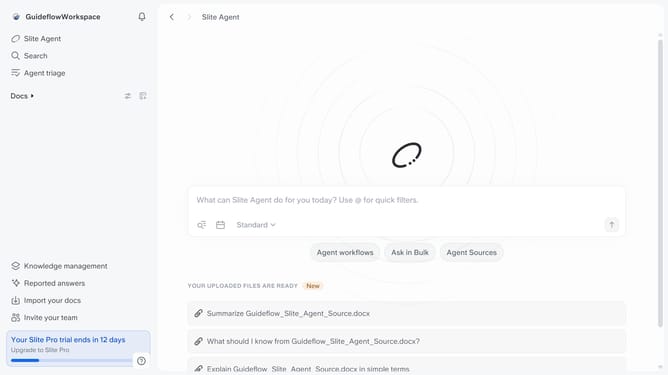
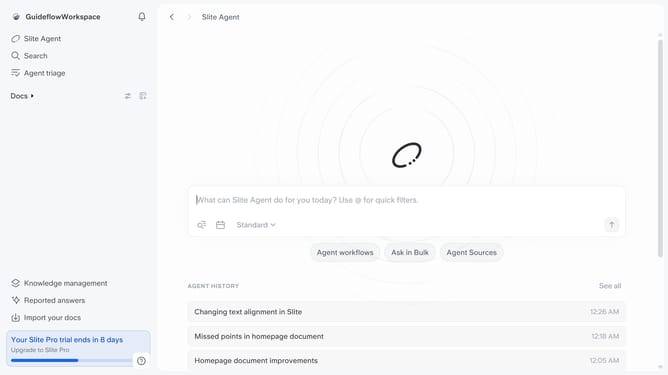
- Then, type your question in the text input field
- Next, click on the upload icon to submit your query
- Finally, click on the "Copy answer" button to copy the agent's response
Why should you How to copy Slite agent answer in Slite
Slite is a collaborative documentation tool designed to streamline team communication and knowledge sharing effectively.
One of Slite's standout features is its seamless ability to copy Slite agent answers. This feature enhances efficiency by allowing quick duplication of valuable insights provided by the Slite agent within your workspace. It helps in maintaining consistency in information dissemination and ensures that accurate answers are easily accessible and shareable among team members.
Utilizing this feature can significantly boost productivity and collaboration. By having essential answers readily available, teams can make informed decisions faster, ensuring everyone stays aligned and informed without missing a beat.
Last update