How to set what anyone with the link can do in a document in Slite
Here is how to set what anyone with the link can do in a document in slite
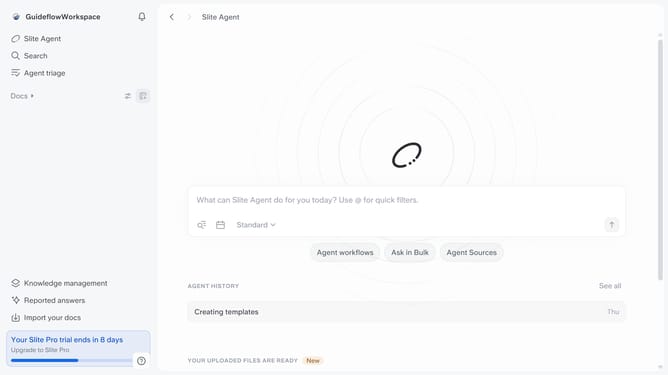
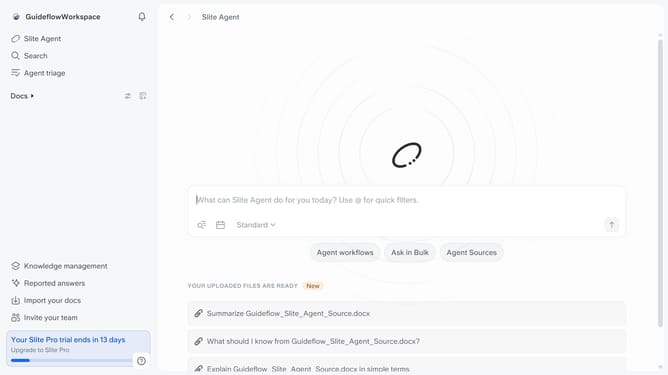
- First click on the "Docs" item in the left sidebar
- Click on the document name that you want to edit
- Click on the "Share" button in the header
- Click on the "Anyone with the link" dropdown in the share modal
- Finally select from the dropdown menu in the share modal
Why should you How to set what anyone with the link can do in a document in Slite
Slite is a streamlined platform designed for teams to collaborate seamlessly on documents and projects.
By setting what anyone with a link can do in a Slite document, you ensure precise control over who can view or edit content. This feature enhances collaboration by allowing you to effortlessly share information with teammates or stakeholders outside your immediate team.
Using this feature allows for flexibility in document access, promoting efficient teamwork and ensuring that your collaborative projects remain well-organized and secure.
Last update