How to share an AI answer in Slite
Here is how to share an ai answer in slite
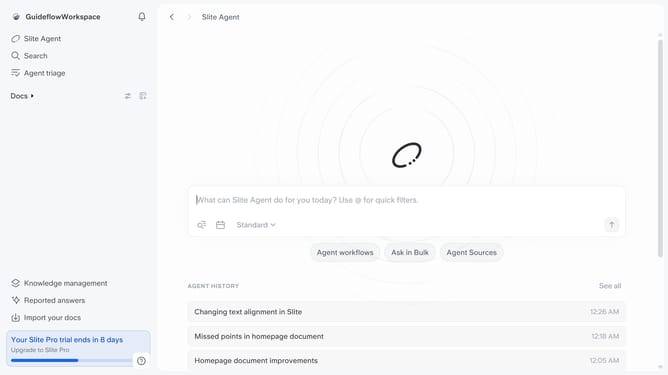
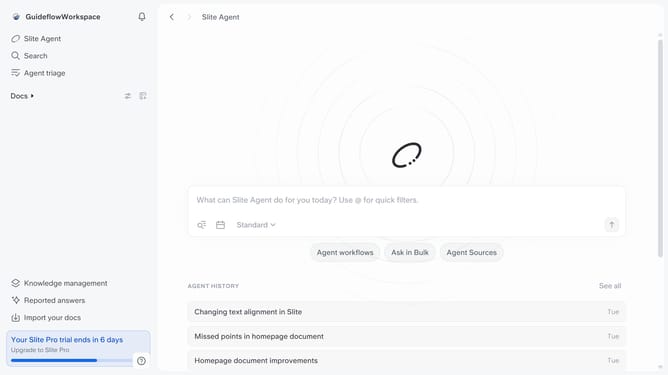
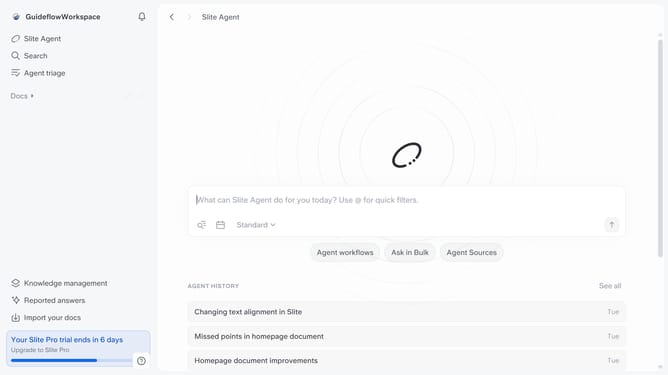
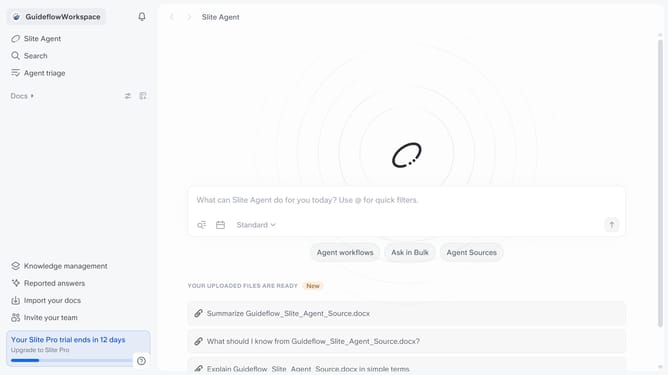
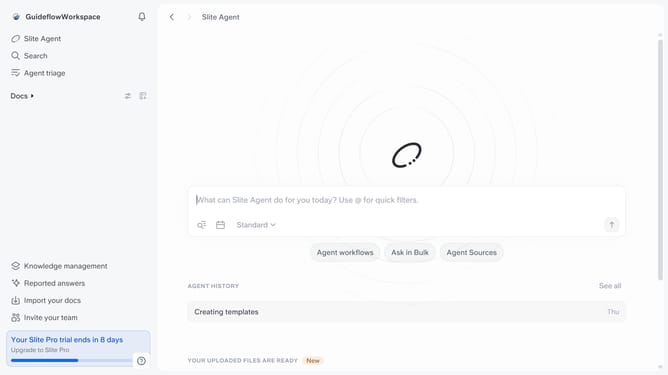
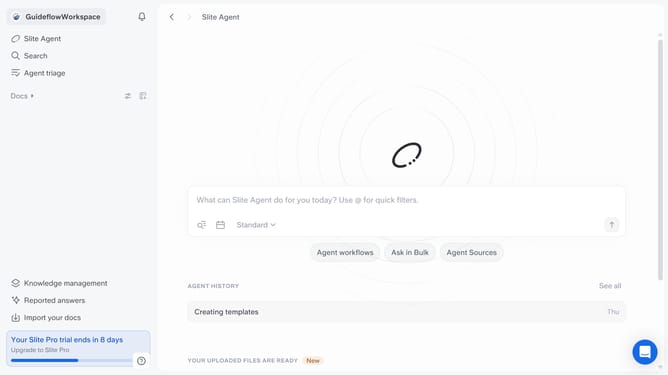
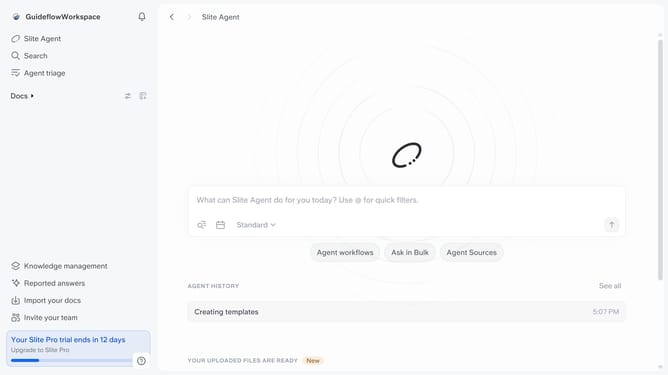
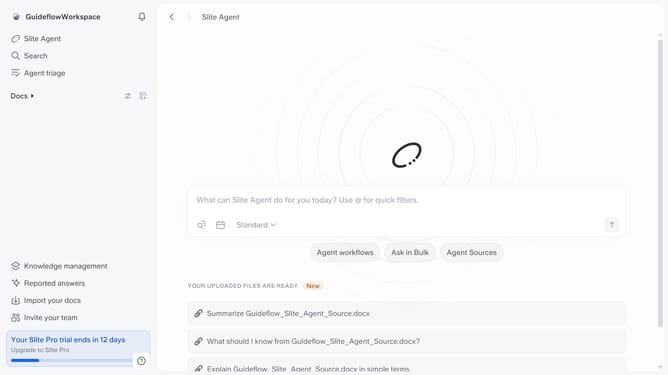
- First, click on "Slite Agent" in the left sidebar
- Then, type your question in the text input field
- Next, click on the upload icon to submit your query
- Finally click on the share icon
Why should you How to share an AI answer in Slite
Slite is a collaborative workspace tool designed to streamline team communication and knowledge sharing.
Sharing an AI answer in Slite allows team members to effortlessly disseminate insights and solutions across your organization. This feature enhances collaboration by providing quick access to AI-generated content that can be seamlessly integrated into your team's workflow.
Using this feature boosts productivity by reducing the time spent searching for answers and ensures that every team member is aligned with the latest information. Embrace smarter teamwork with the ability to share AI answers in Slite.
Last update