How to create a document in Slite
Here is how to create a document in slite
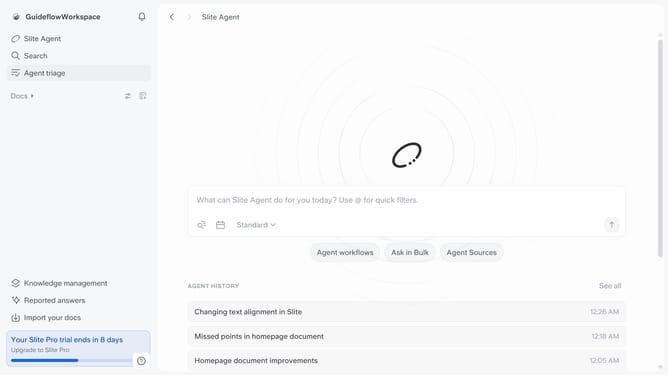
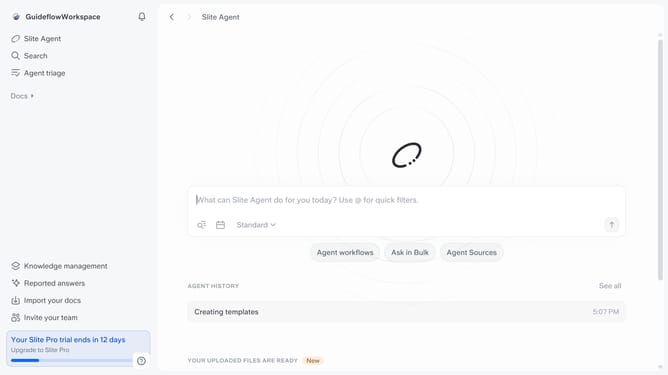
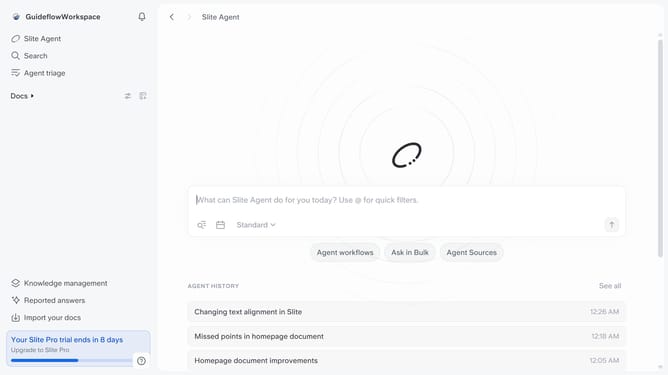
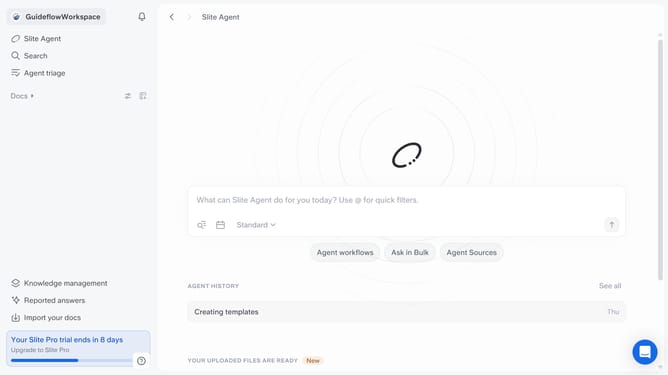
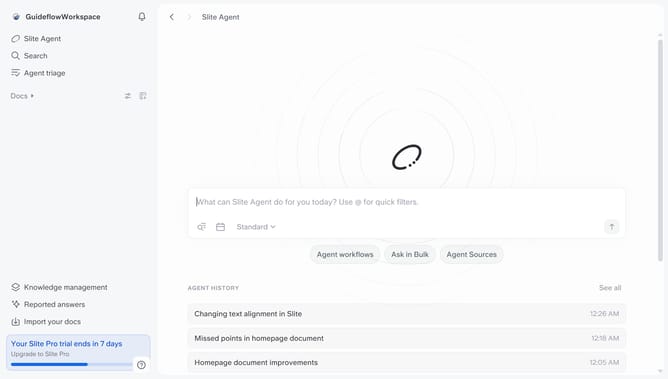
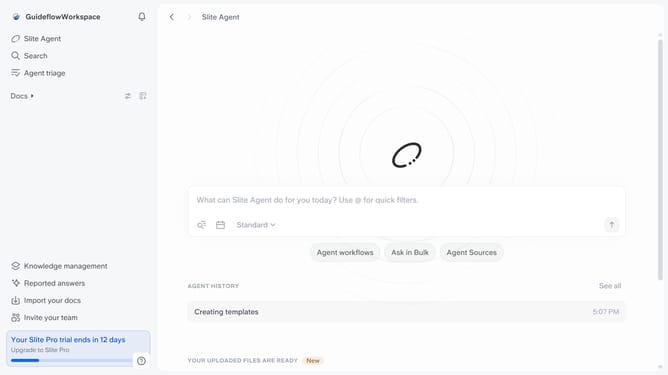
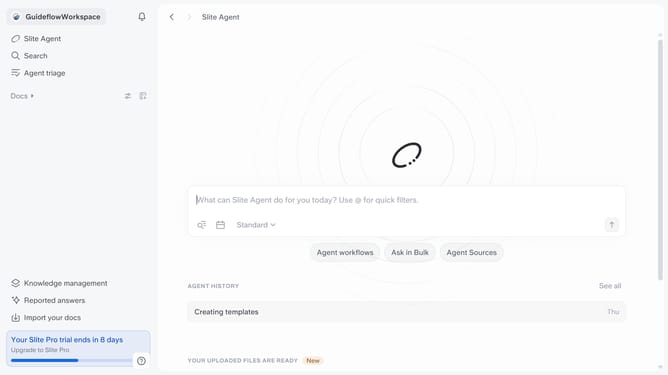
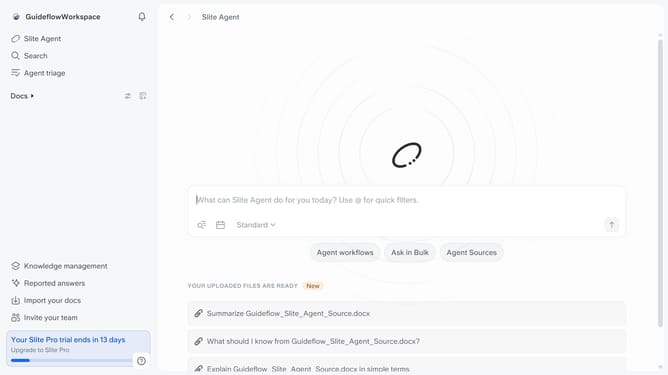
- First click on "Docs" item in the left sidebar
- Then click on the "+" icon next to the document folder
- Finally click on "Add a doc" option in the opened menu to start creating a document
Why should you How to create a document in Slite
Slite is a collaborative workspace designed to streamline team communication and documentation with ease.
Creating a document in Slite is incredibly intuitive, allowing teams to focus more on creativity and less on navigation. By centralizing notes, teams can store and access information seamlessly, promoting efficiency.
Slite's document creation encourages collaboration, enabling team members to contribute ideas in real-time, enhancing productivity. It supports an organized workflow, ensuring everyone stays aligned and informed.
Using Slite for document creation not only saves time but also fosters a collaborative culture, enhancing overall team synergy.
Last update