How to include subdocs in a document in Slite
Here is how to include subdocs in a document in slite
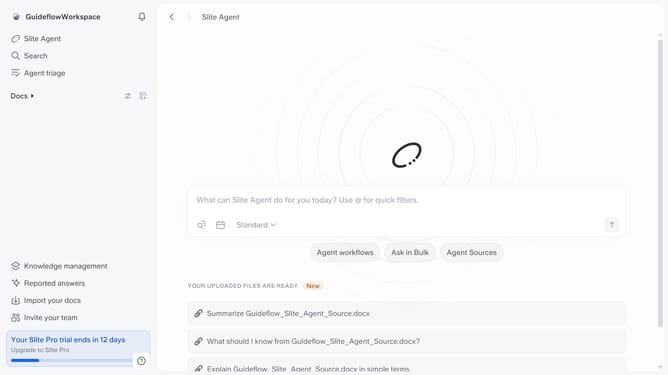
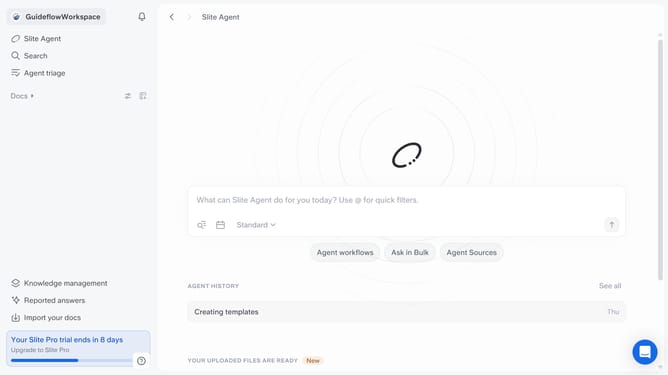
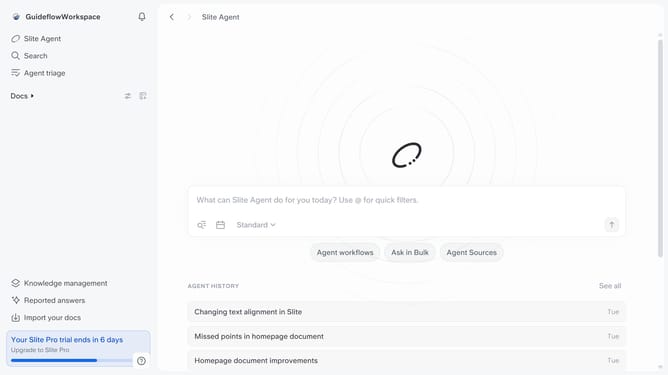
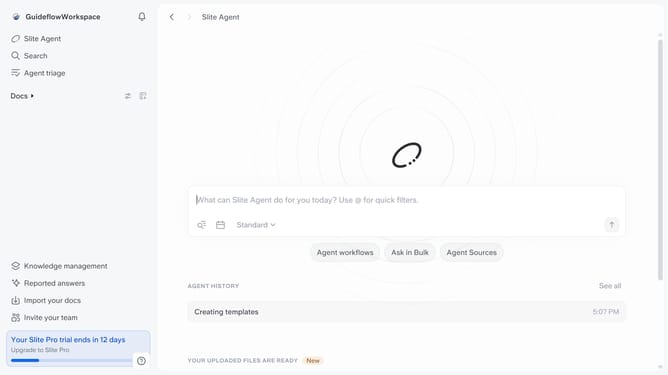
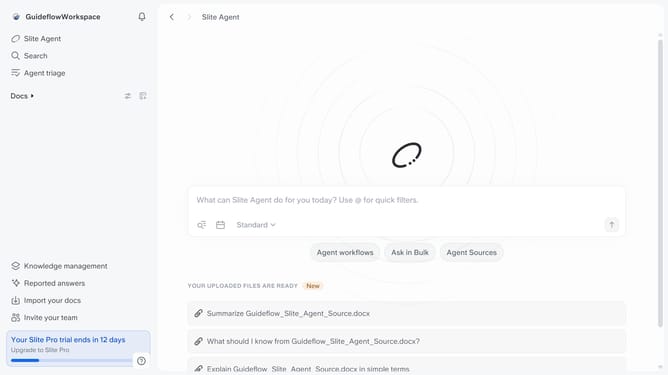
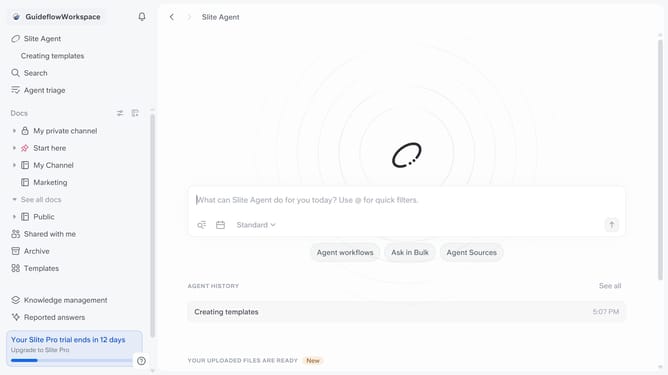
- First click on "Docs" item in the left sidebar
- Then click on the doc name that you want to open
- Next, click on the "Share" button in the top menu
- Finally toggle ON the "Include sub-docs" switch to enable it
Why should you How to include subdocs in a document in Slite
Slite is a powerful tool designed to streamline team collaboration and documentation.
The subdocs feature in Slite allows users to effortlessly organize large documents by adding related sub-documents, enhancing readability and structure.
This feature is perfect for teams looking to maintain clarity and order in their documentation, ensuring that information is easily accessible and comprehensible.
By using subdocs, teams can minimize clutter and reduce the need for extensive scrolling, ultimately enhancing productivity and collaboration.
Last update