How to unpin a channel in Slite
Here is how to unpin a channel in slite
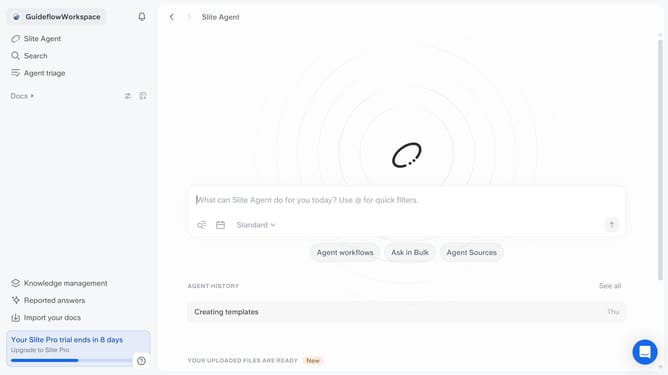
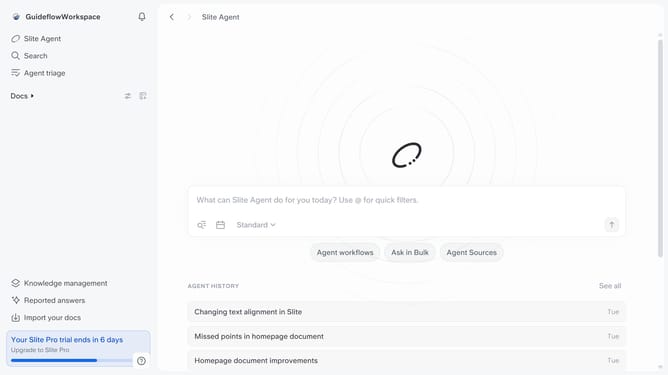
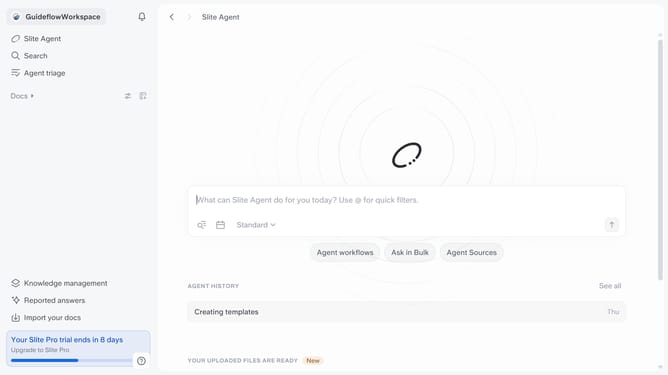
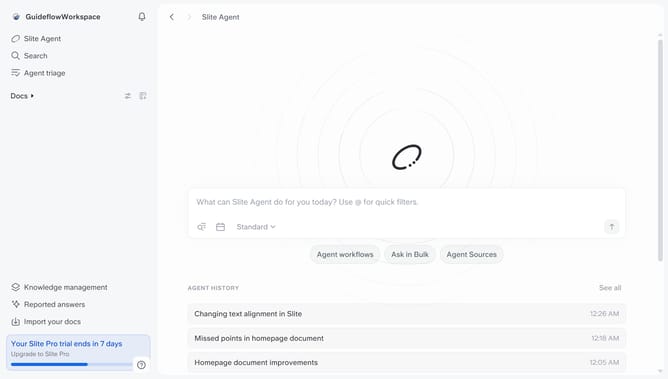
- First click on "Docs" in the left sidebar
- Then click on the three dots icon next to the channel you want to unpin
- Finally select "Unpin channel" from the dropdown menu
Why should you How to unpin a channel in Slite
Slite is a collaborative workspace designed for teams to easily share knowledge and ideas.
One handy feature in Slite is the ability to unpin a channel. This allows you to keep your workspace organized by focusing only on the most relevant conversations.
Unpinning channels helps you minimize clutter, making it simpler to navigate through essential information and prioritize active topics. It enhances productivity by ensuring that your main screen is filled with current, important discussions rather than outdated ones.
Last update