How to enable a member to have a Slite Agent seat in Slite
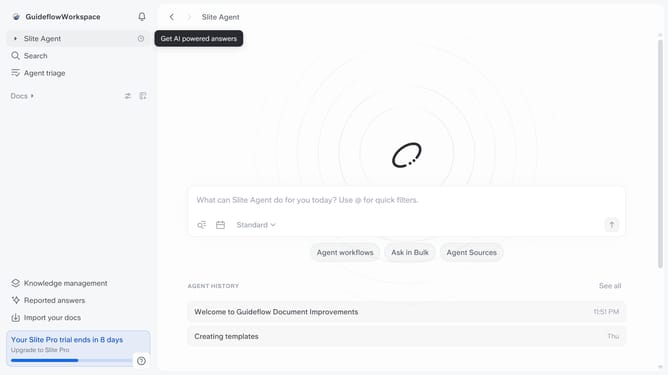
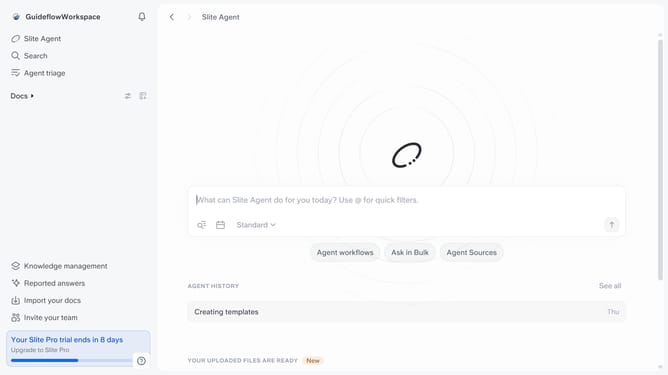
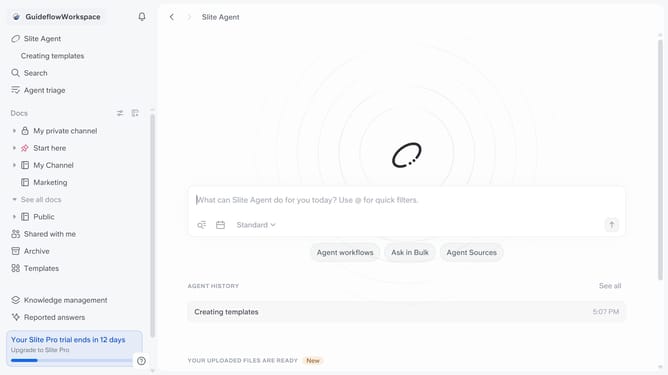
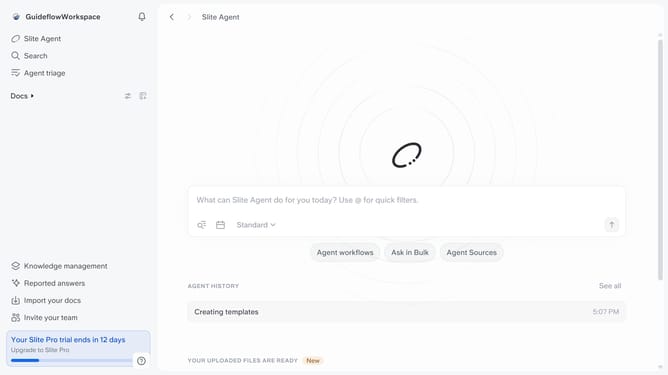
Here is how to enable a member to have a slite agent seat in slite
- First click on your workspace link in the left sidebar
- Then click on the "Invite members" option in the sidebar menu
- Click on the dropdown for "Slite Agent Seat"
- Finally select "Yes" from the dropdown menu
Why should you How to enable a member to have a Slite Agent seat in Slite
Slite is a collaborative workspace designed to simplify team communication and document management.
Empowering a member with a Slite Agent seat enhances collaboration by allowing them to manage and organize information seamlessly within the platform. This feature streamlines participation, ensuring team members have access to the tools they need to contribute effectively.
Utilizing a Slite Agent seat means that team members can expedite their workflows, leveraging Slite's intuitive interface for improved productivity. It's an investment in efficient communication and dynamic teamwork.
Last update