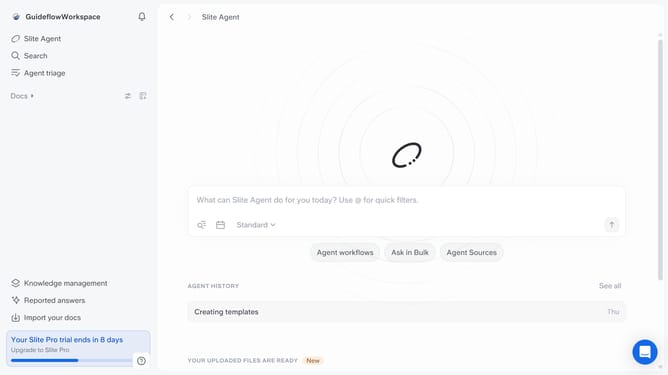
How to access keyboard shortcuts in Slite
Here is how to access keyboard shortcuts in slite
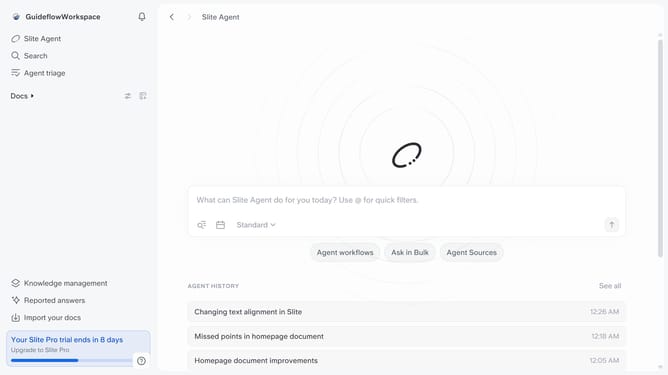
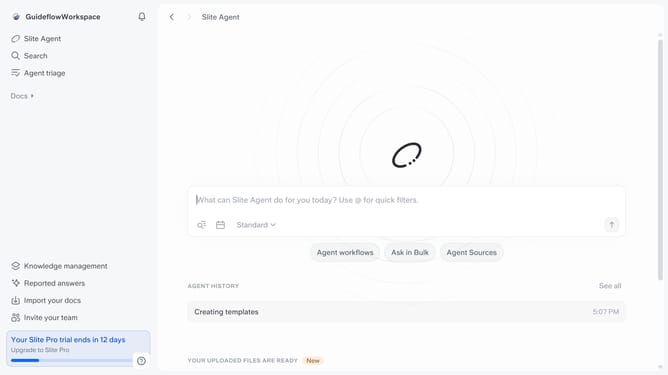
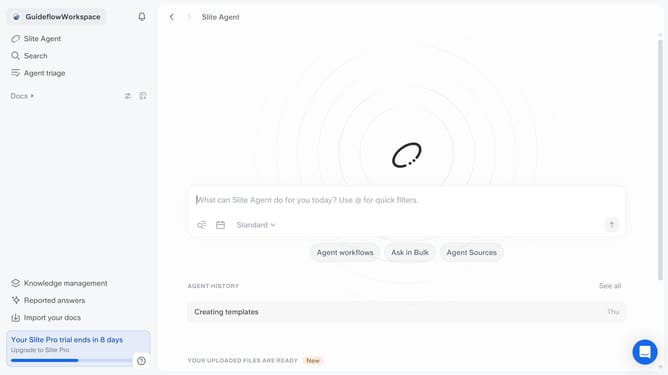
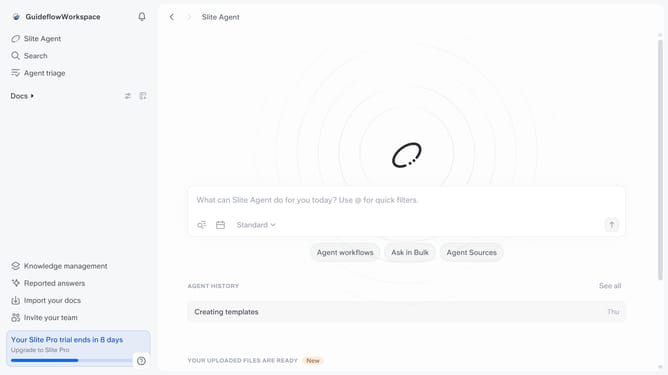
- First click on your workspace name in the header
- Then click on "Help" in the sidebar
- Finally select "Keyboard shortcuts" from the opened menu
Why should you How to access keyboard shortcuts in Slite
Slite is a collaborative workspace designed to streamline team communication and document management effortlessly.
Finding your way around Slite becomes much quicker when you utilize keyboard shortcuts. These shortcuts allow users to navigate the platform swiftly, improving efficiency and productivity. They make accessing features intuitive, helping you focus more on content creation and collaboration without the distraction of searching for commands.
By mastering keyboard shortcuts in Slite, you enhance your workflow, save time, and increase your overall productivity, making teamwork both effective and enjoyable.
Last update