How to set a member's role in Slite
Here is how to set a member's role in slite
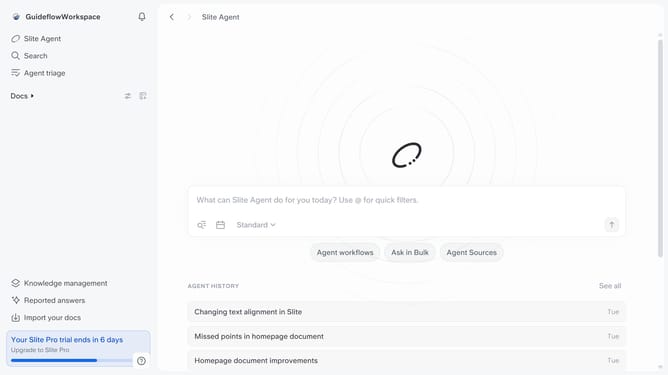
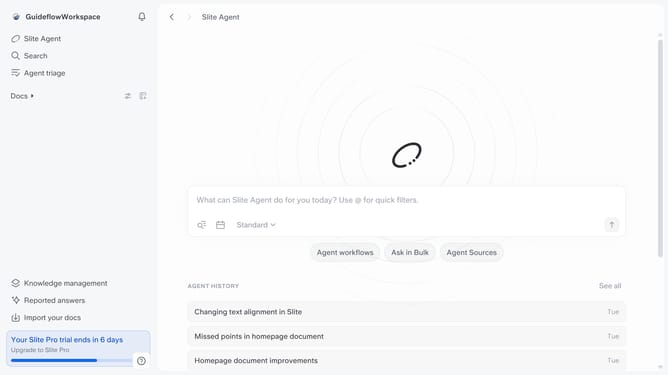
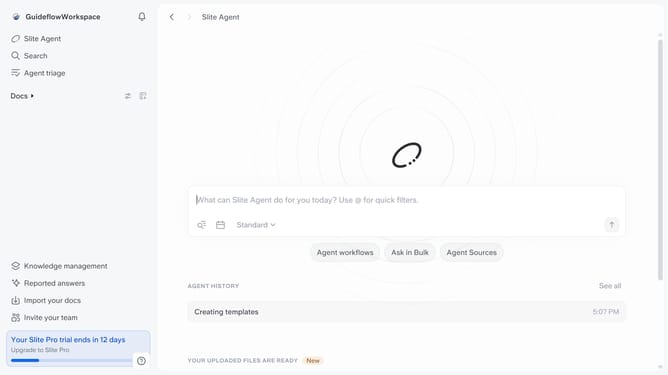
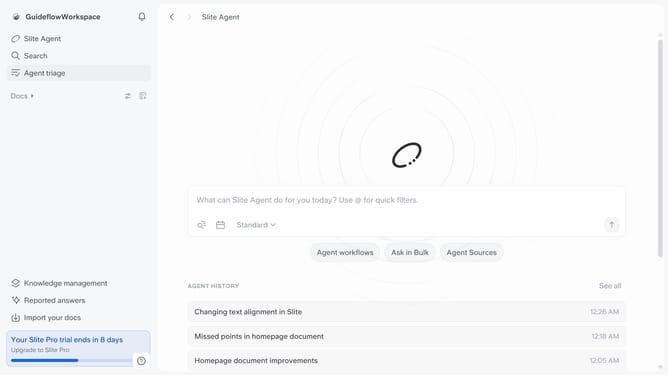
- First click on your workspace link in the left sidebar
- Then click on the "Invite members" option in the sidebar menu
- Click on the dropdown for "Slite Agent Seat Role"
- Finally, select an option from the dropdown menu
Why should you How to set a member's role in Slite
Slite is a collaborative platform designed to streamline team knowledge and communication all in one place.
Assigning roles in Slite allows you to efficiently manage team dynamics and permissions, ensuring that everyone has the appropriate level of access they need. By defining roles, you can streamline workflows and foster a more organized workspace.
Roles help in differentiating responsibilities, empowering members to own their tasks while maintaining the integrity of vital information. This fosters accountability and enhances collaboration, making teamwork seamless and boosting productivity.
Last update