How to invite a member to a workspace in Slite
Here is how to invite a member to a workspace in slite
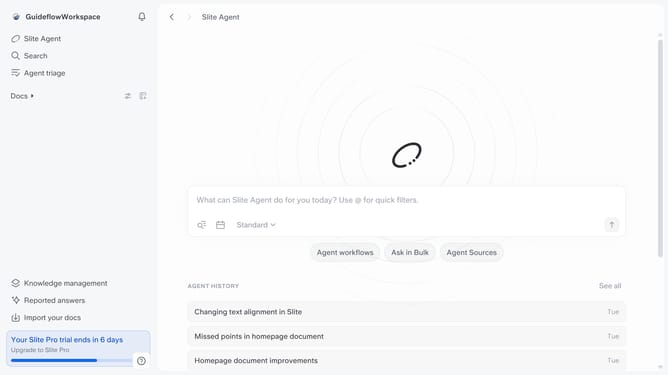
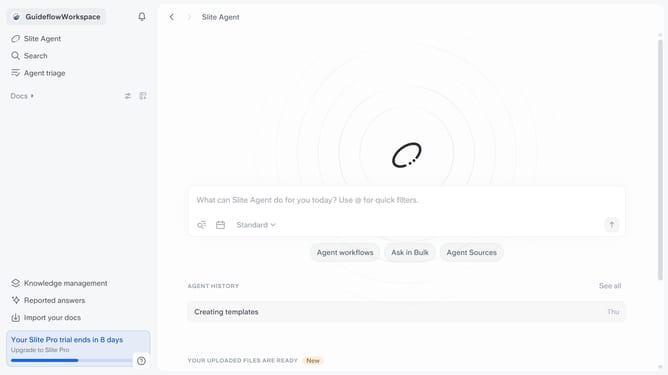
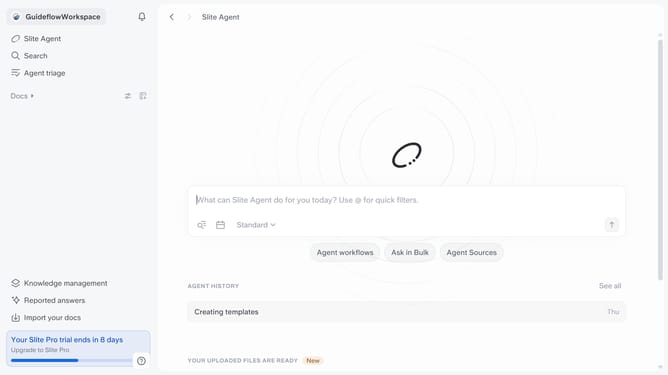
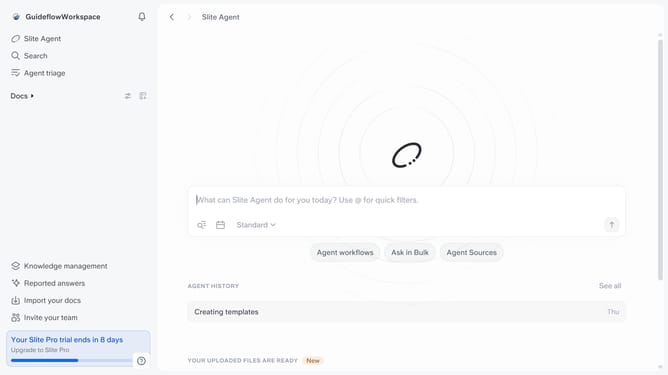
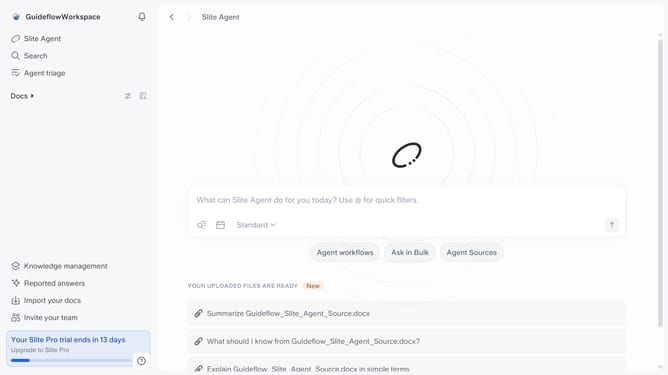
- First click on your workspace link in the left sidebar
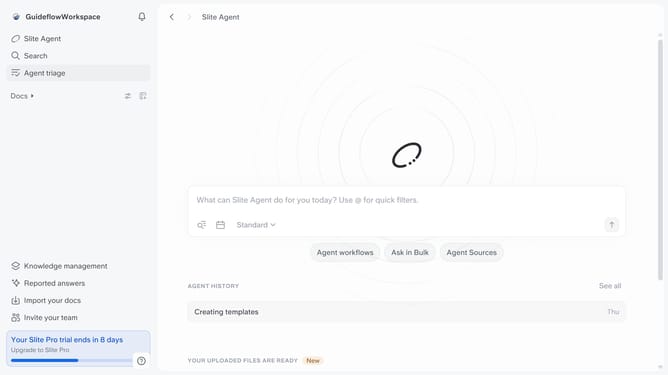
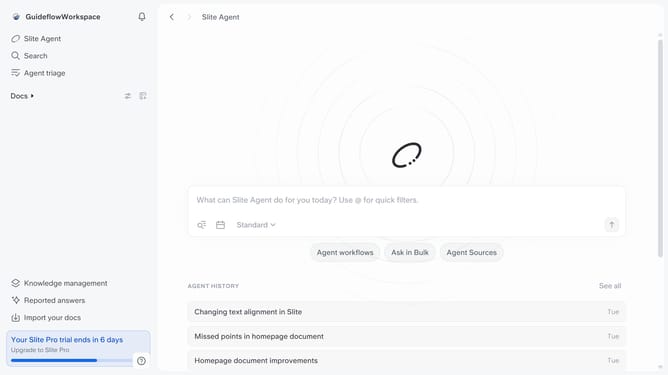
- Then click on the "Invite members" option in the sidebar menu
- Next, click on the "Invite" button
- After that, type your invite's email address into the "Invite from email" field
- Then, click the email from the dropdown
- Finally, click on the "Send invites" button
Why should you How to invite a member to a workspace in Slite
Slite is a collaborative workspace designed to simplify team communication and knowledge sharing.
Inviting a member to a workspace in Slite fosters seamless collaboration by connecting team members in a centralized platform. This feature enhances productivity by ensuring that everyone has access to crucial information and can contribute ideas effortlessly.
Using this feature promotes transparency and inclusivity, as all team members can stay updated on project progress. It encourages diverse input, leading to more innovative solutions and cohesive teamwork.
As team dynamics evolve, inviting new members becomes essential, and Slite makes this process intuitive and efficient. The result is a more agile, informed, and unified team.
Last update