How to resend member invite to a workspace in Slite
Here is how to resend member invite to a workspace in slite
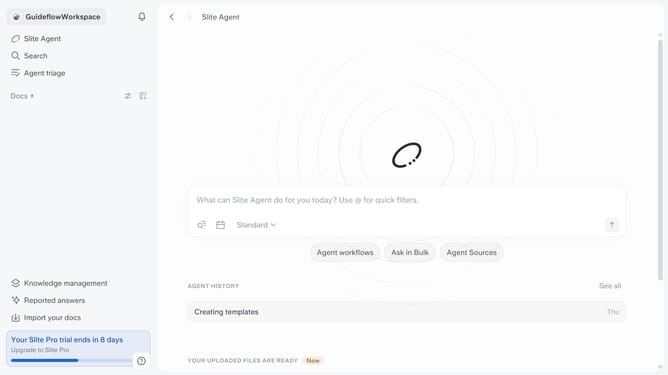
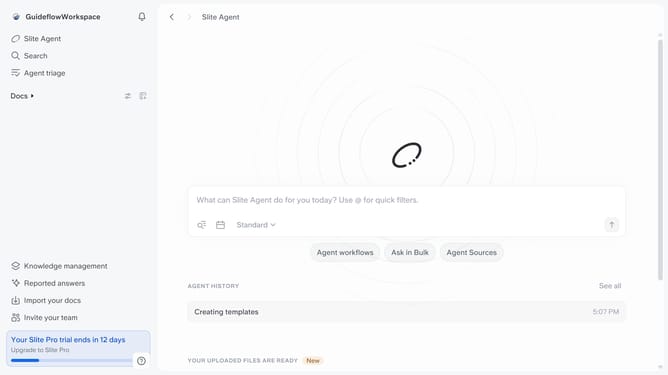
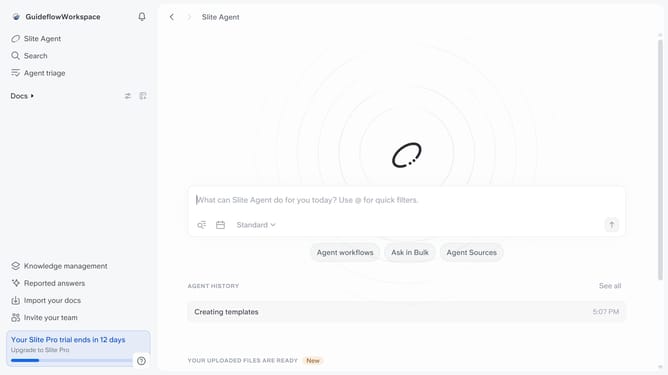
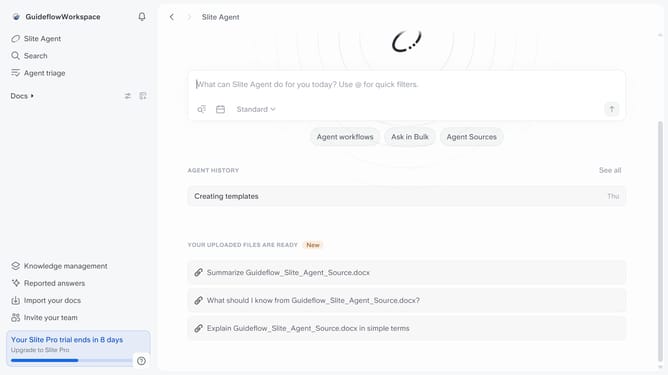
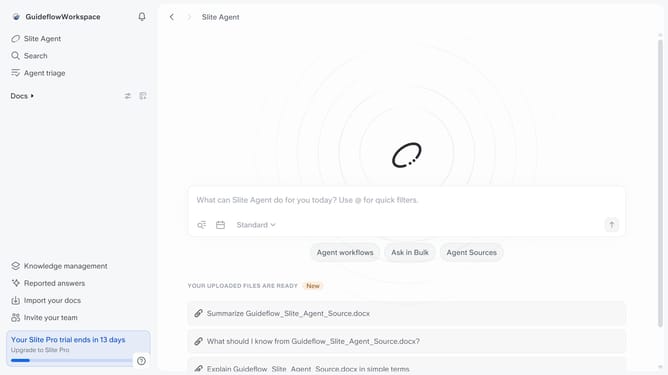
- First click on your workspace link in the left sidebar
- Then click on the "Invite members" option in the sidebar menu
- Then click on the three dots icon next to "Member" role
- Finally click on "Resend invite" option
Why should you How to resend member invite to a workspace in Slite
Slite is a collaborative workspace, designed to streamline team communication and knowledge sharing.
One of the standout features of Slite is the ability to seamlessly manage team invitations. Resending a member invite empowers you to ensure all team members have access to essential workspace content, promoting ongoing collaboration without unnecessary delays.
Using this feature enhances team productivity by ensuring no one misses out on vital updates or resources. It's ideal for teams striving for seamless integration and efficient workflow management. Invitations can easily be tracked and managed, ensuring every team member stays connected and informed, fostering a cohesive teamwork environment.
Last update